Module 3 Formstorming

Weekly Activity Template

Valerii Babachenko


Project 3


Module 3

These are two weekly Activities based on the provided tutorials

Activity 1
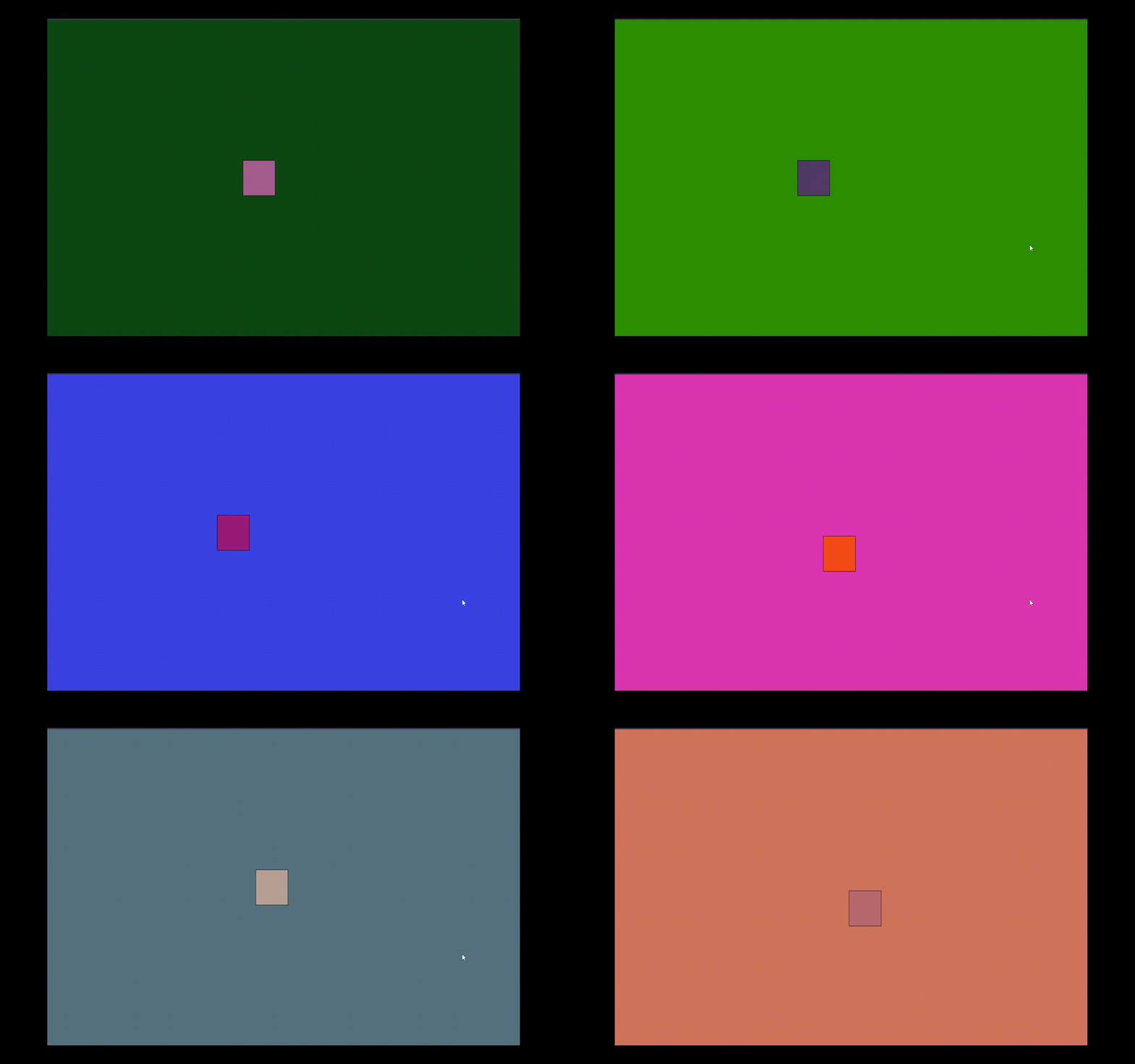
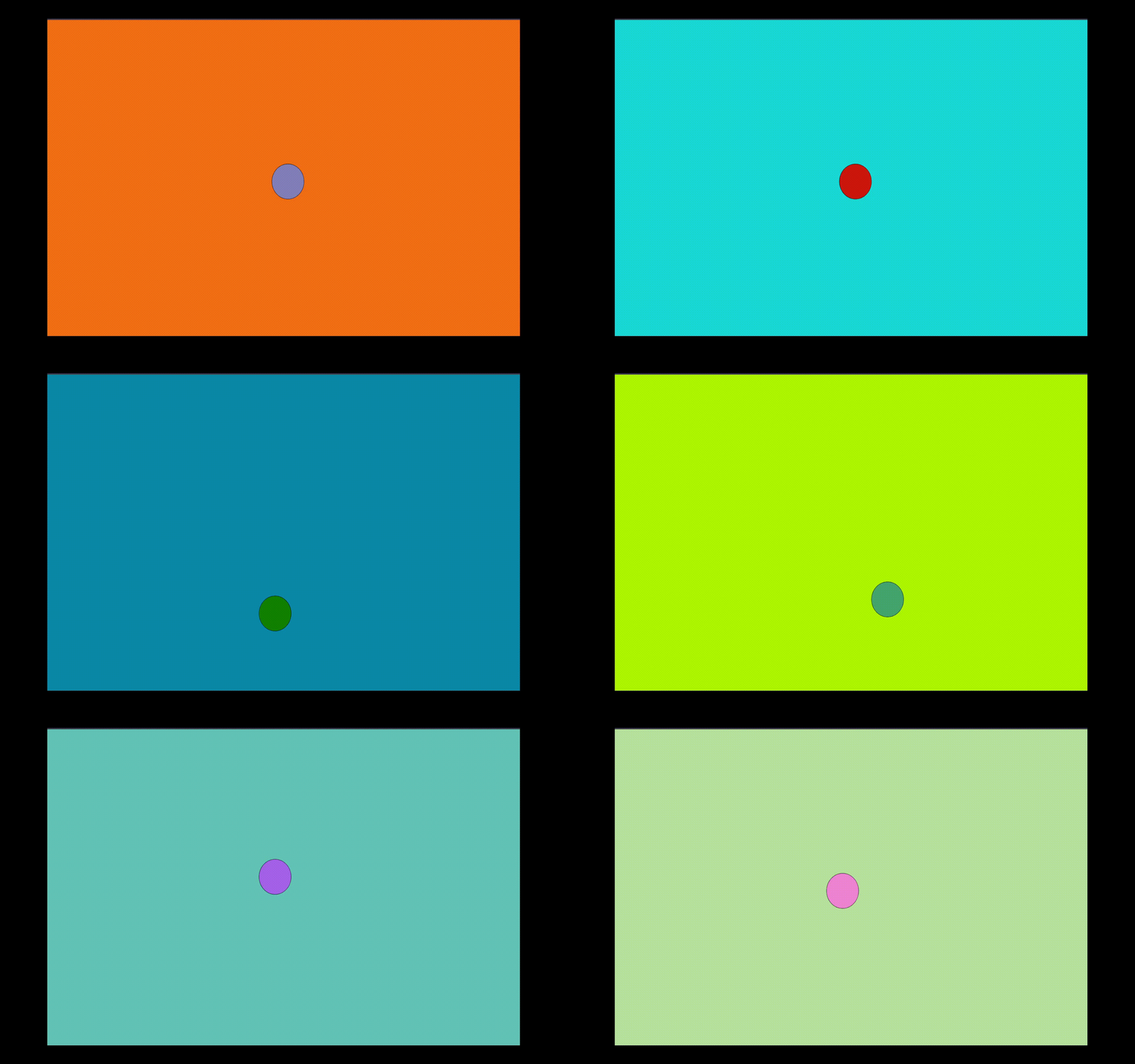
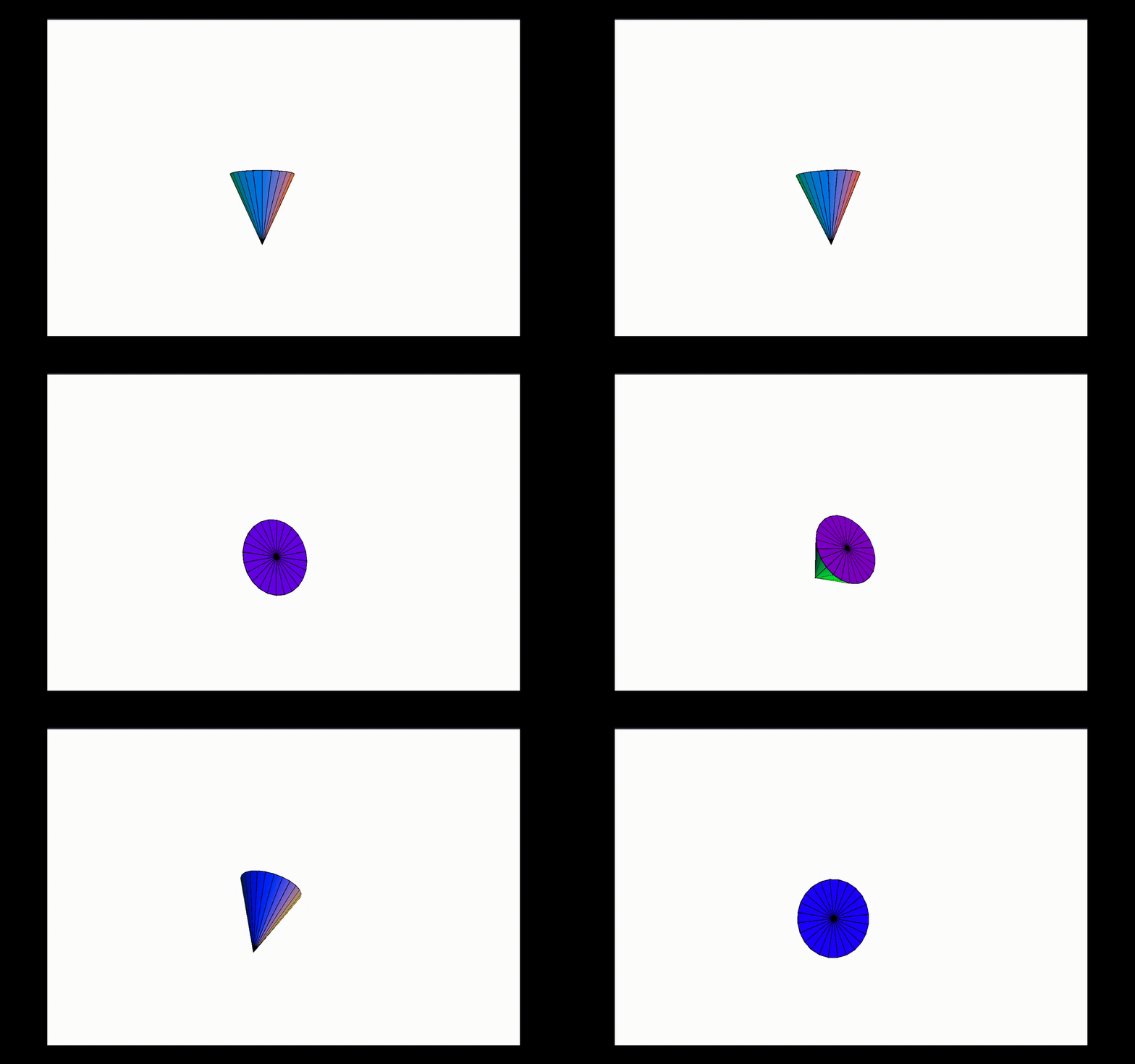
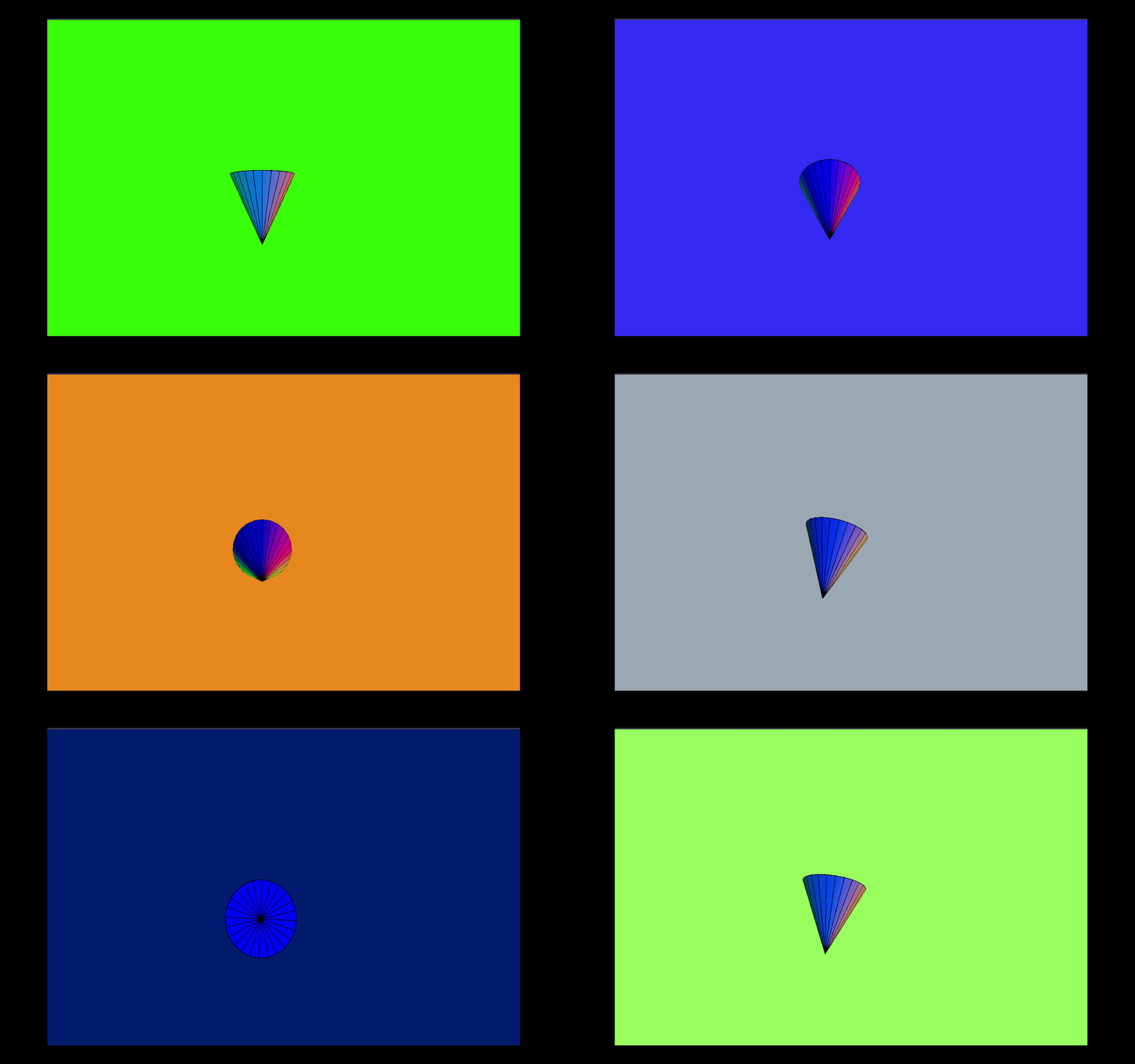
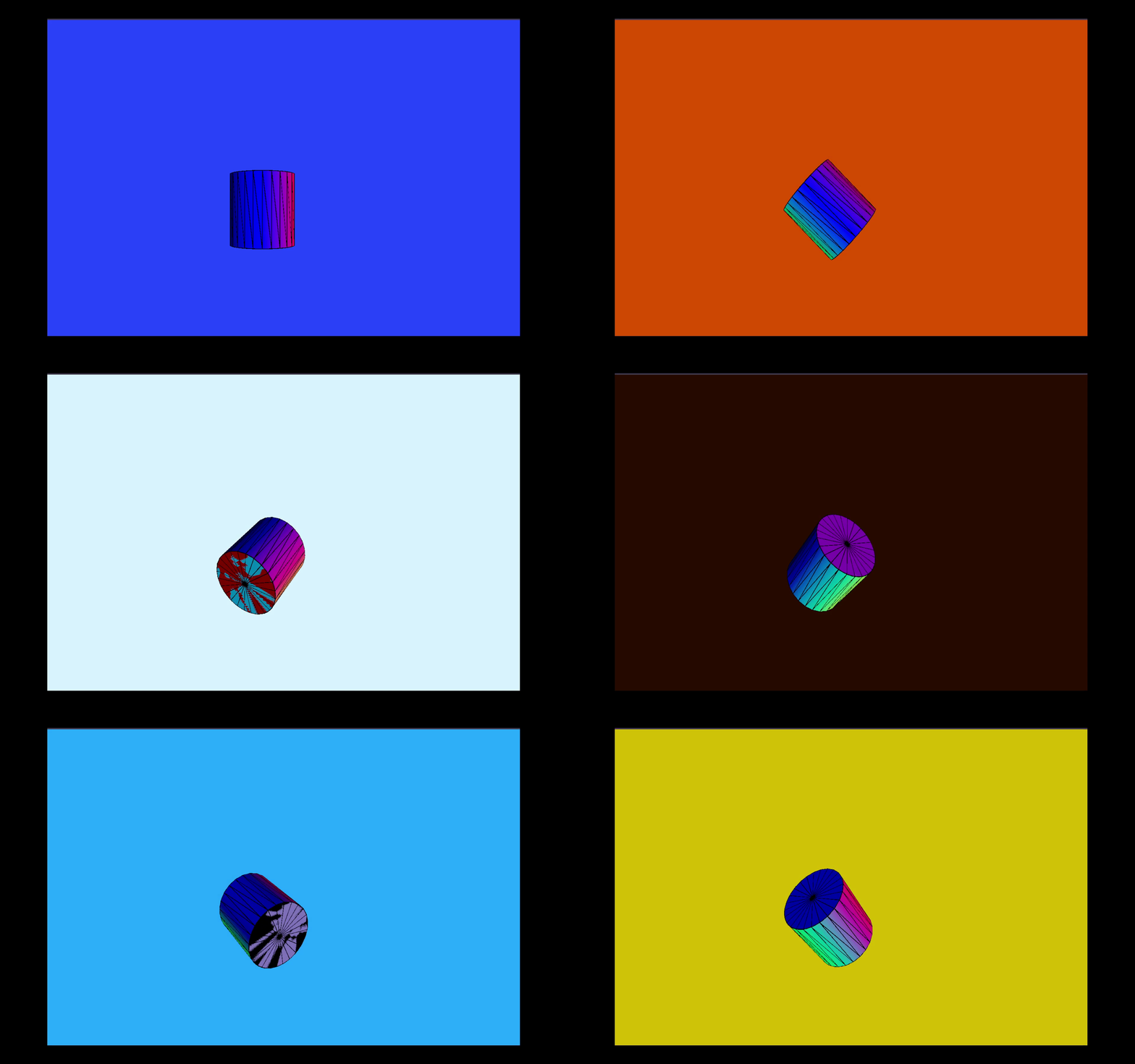
A small pink square sits centered on a deep green background, subtly growing and shrinking while shifting hues. A minimal loop that plays with size and contrast. A soft purple circle on a bright orange background gently bounces while its color gradually changes. It evokes a playful, almost breathing effect. A small black triangle emerges from a dark grey background, pulsing rhythmically as the background subtly transitions between darker shades. A tilted green triangle rotates slowly on a muted tan background, shifting color and suggesting direction and motion. A sharp cone-like shape expands and contracts in sync with color gradients, cycling through a full rainbow against a clean white canvas. A teardrop-like shape, colored with a vivid rainbow gradient, floats gently on a solid blue background. Its calm animation gives the sense of weightlessness. A rectangular striped shape rotates and bends with smooth motion. The warm orange background contrasts the cooler, shifting gradients of the shape. A colorful disc hovers above a thin white platform on a dark brown background. The soft bobbing effect adds a feeling of tension or balance. A rainbow-tinted sphere appears to sit atop a flat, folded paper-like base, placed on a muted grey canvas. It brings a mix of 2D and 3D visual styles. A vertically stretched ellipse rotates slowly on a peach-toned background. Its hypnotic movement and shifting hues give a sense of dimensional depth. A glossy rainbow-colored sphere tilts gently on a turquoise base against a bright white background. The clean contrast enhances its dynamic balance.

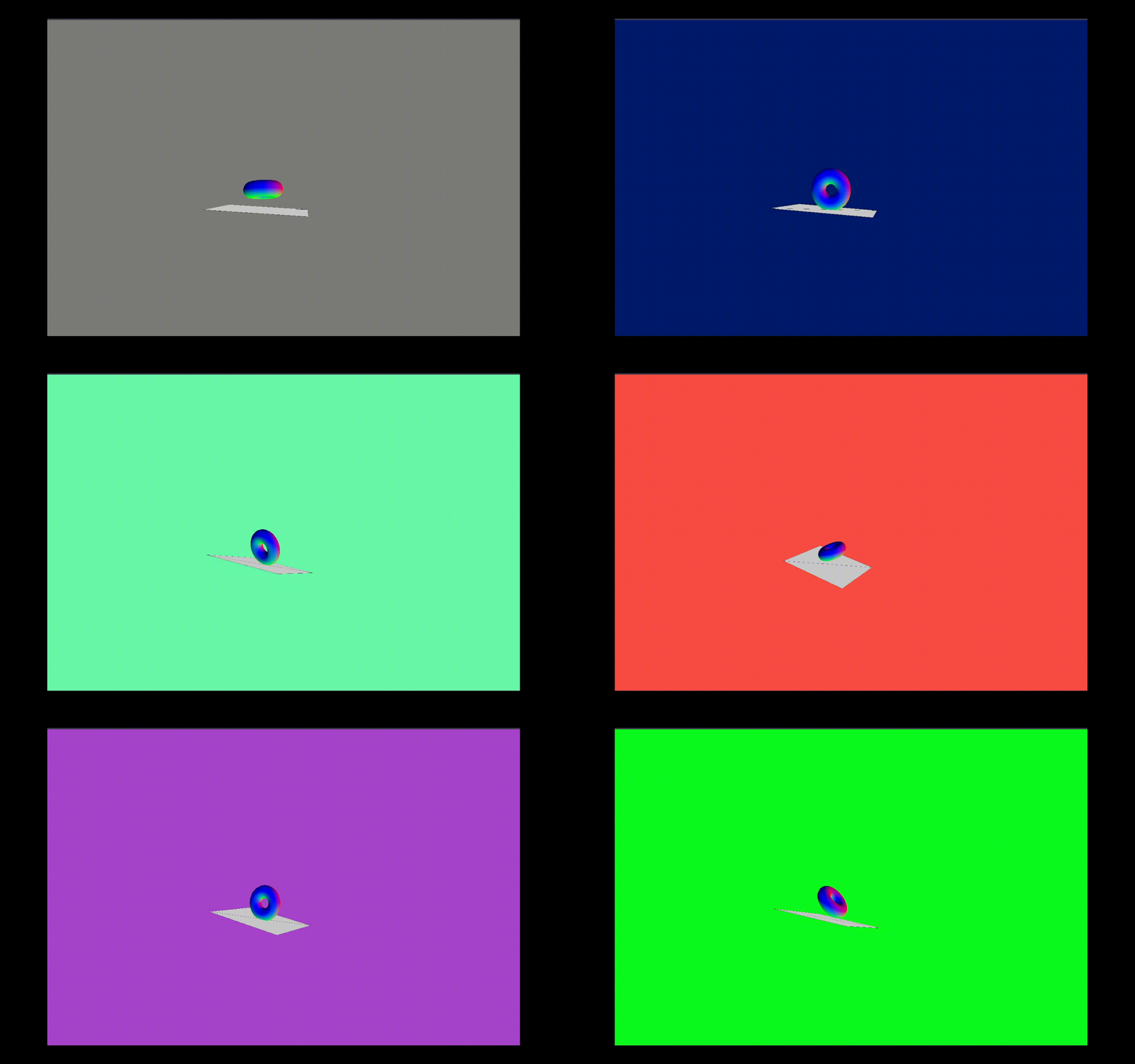
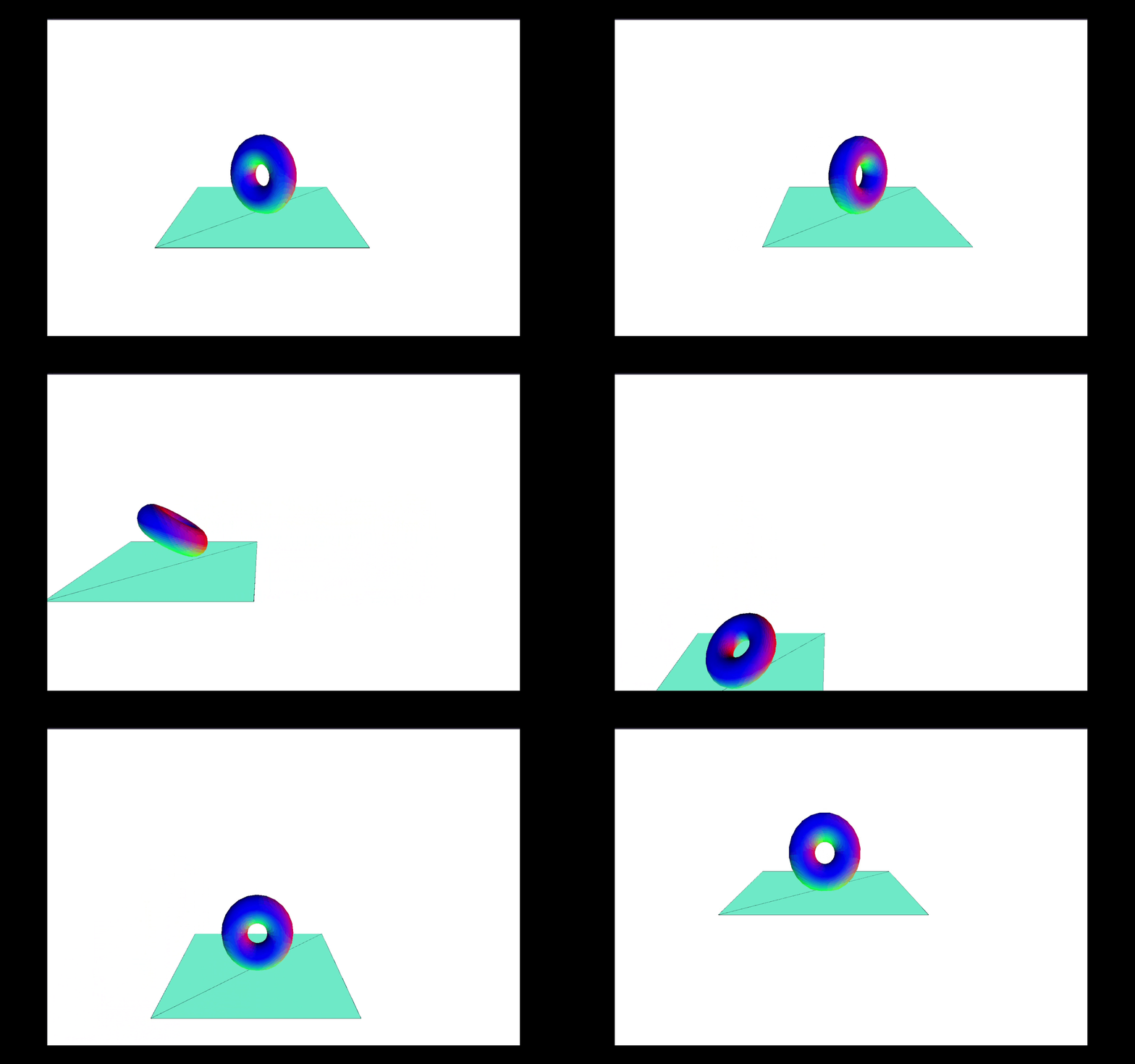
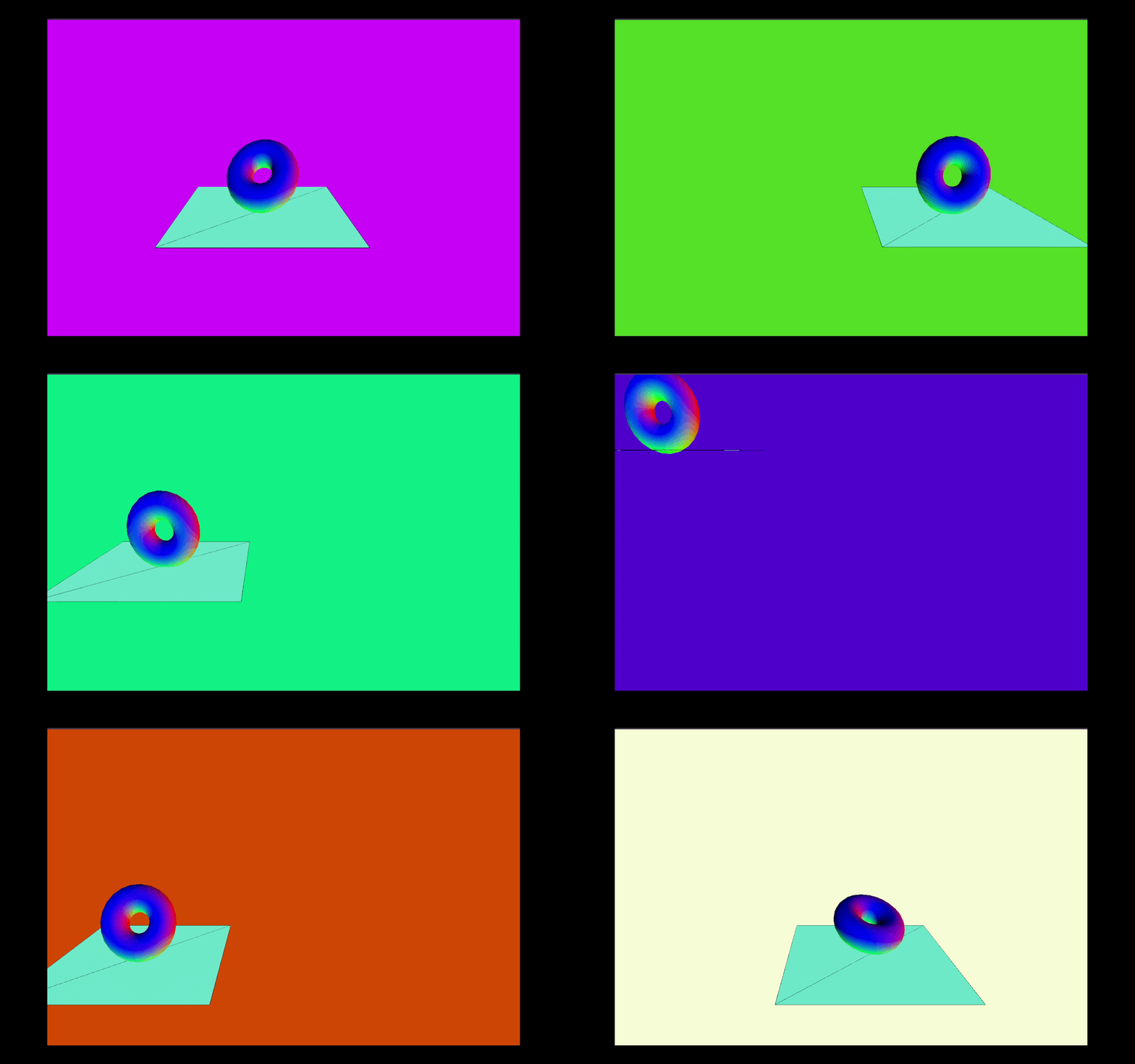
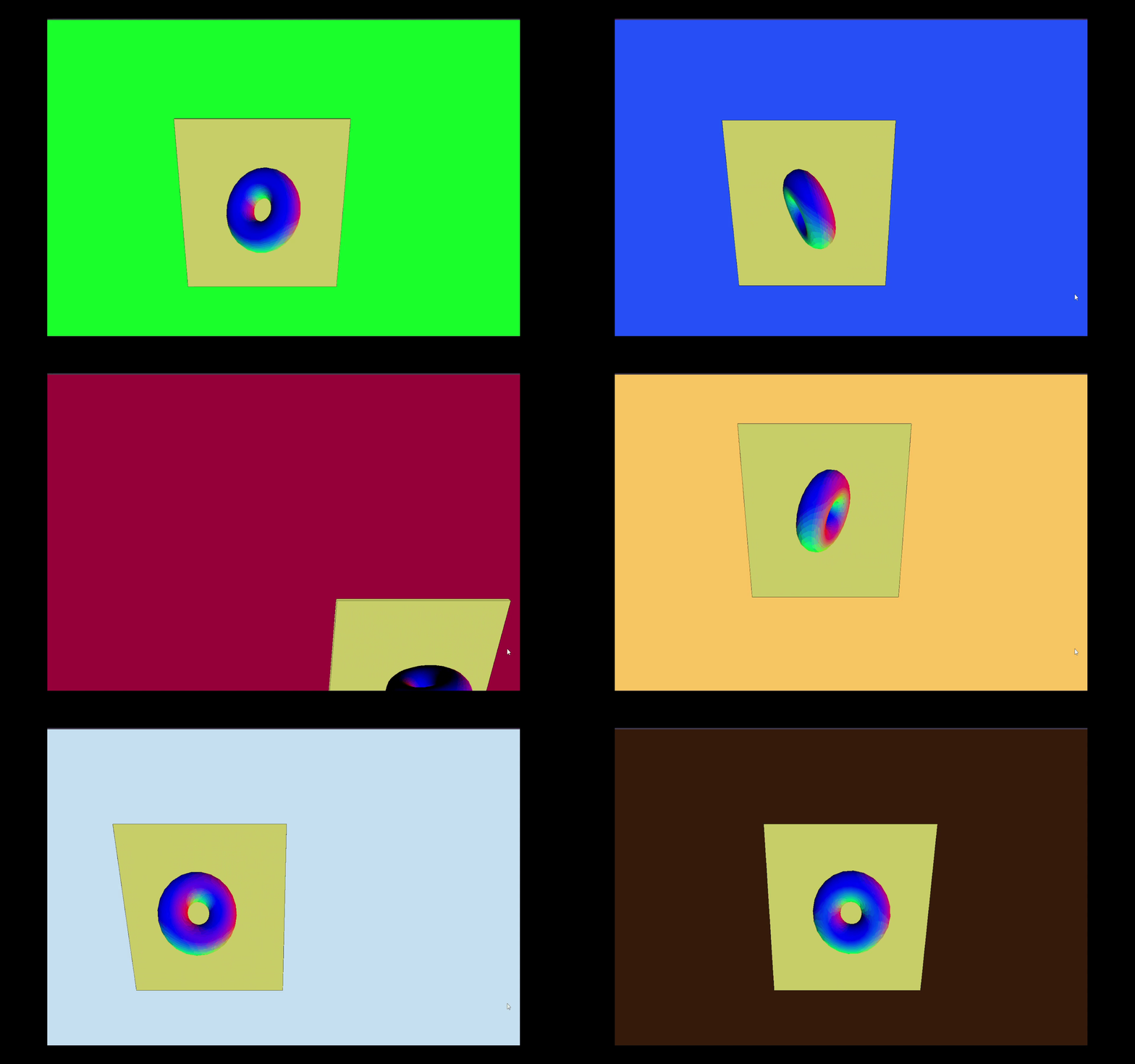
      A colorful donut-shaped object floats above a mint-green platform on a solid royal blue backdrop. Its light bobbing motion adds a feeling of rhythm. On a warm orange canvas, a centered green plane holds a spinning multicolored orb, creating an illusion of depth and rotation at the core.

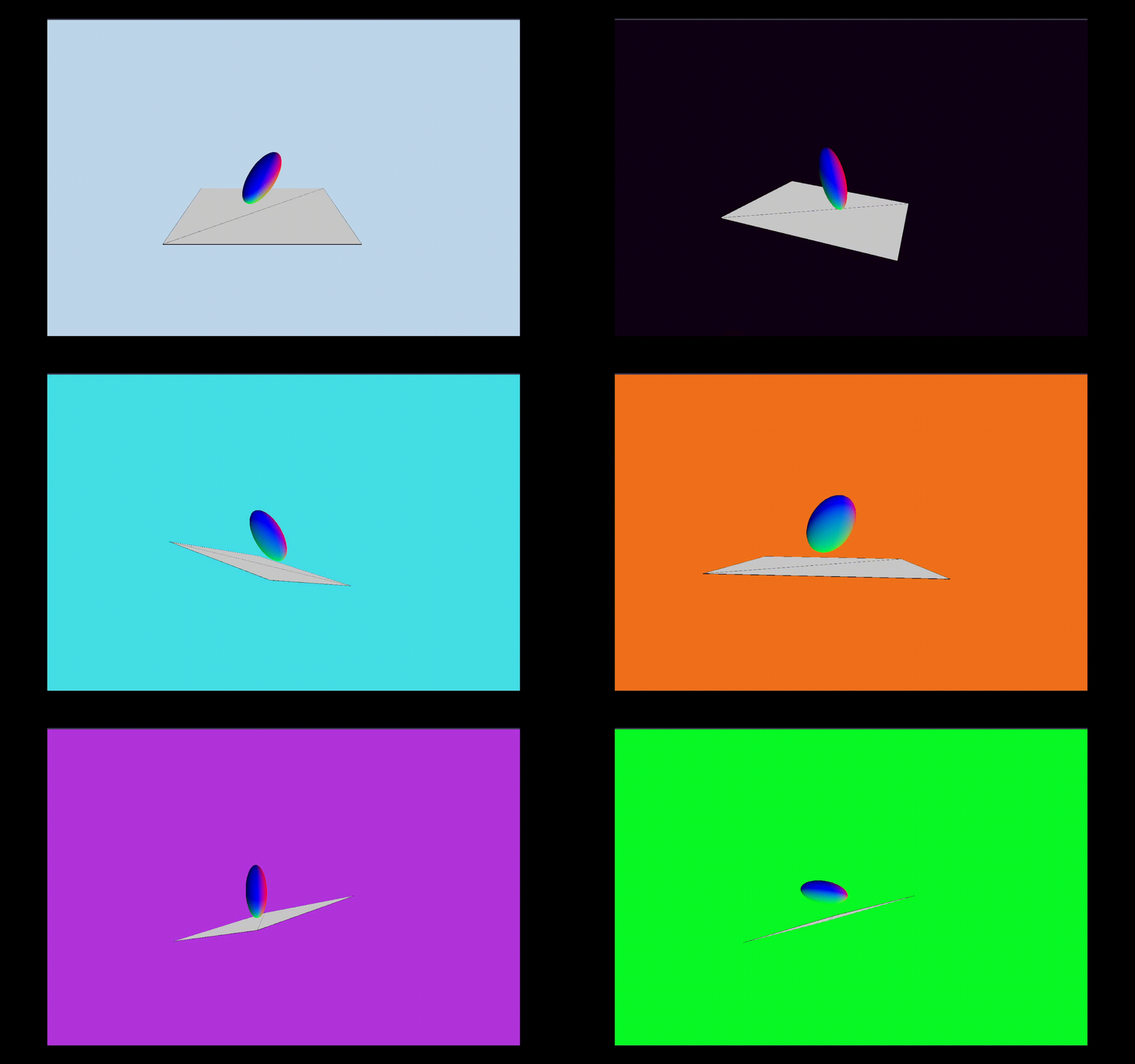
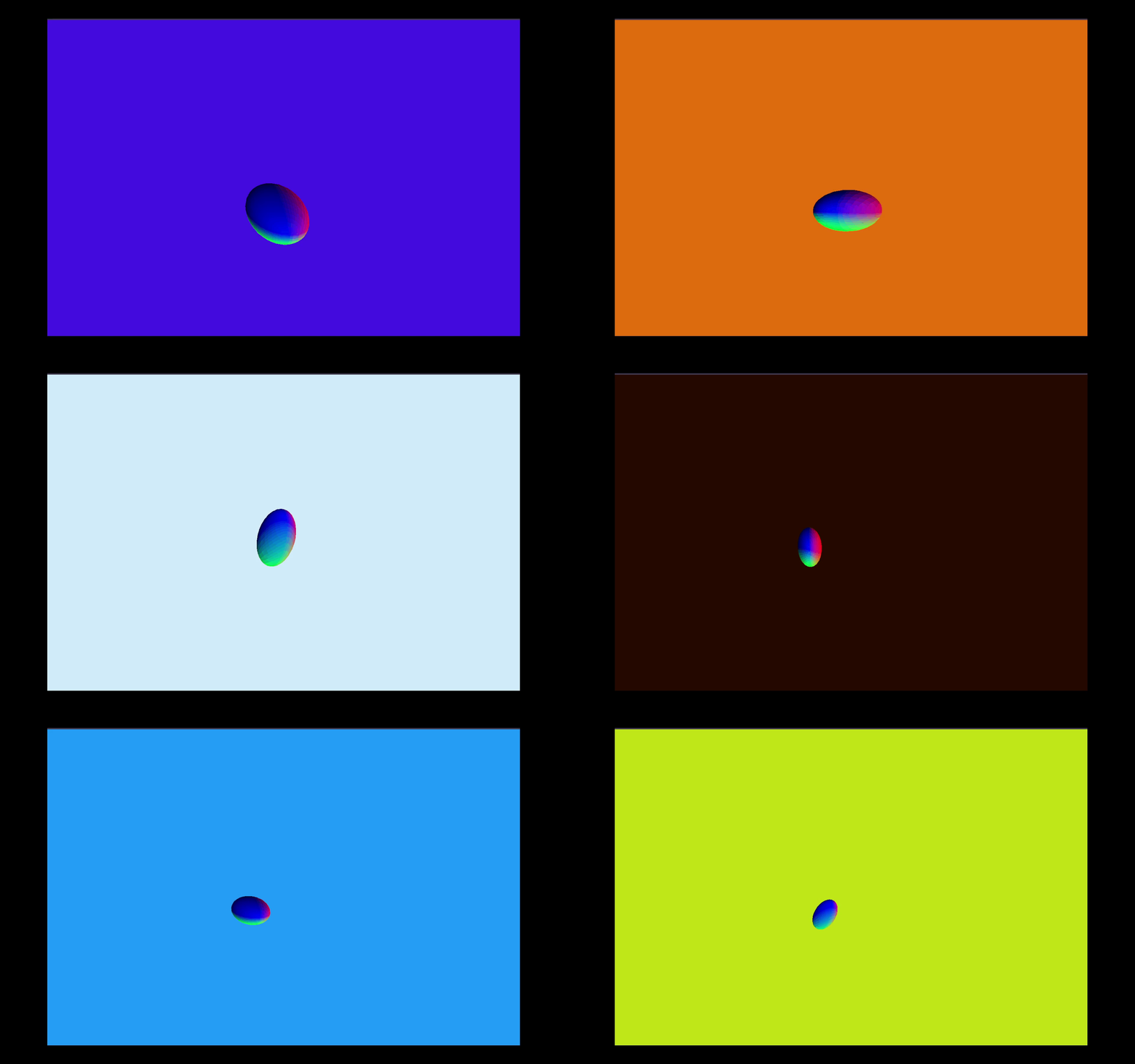
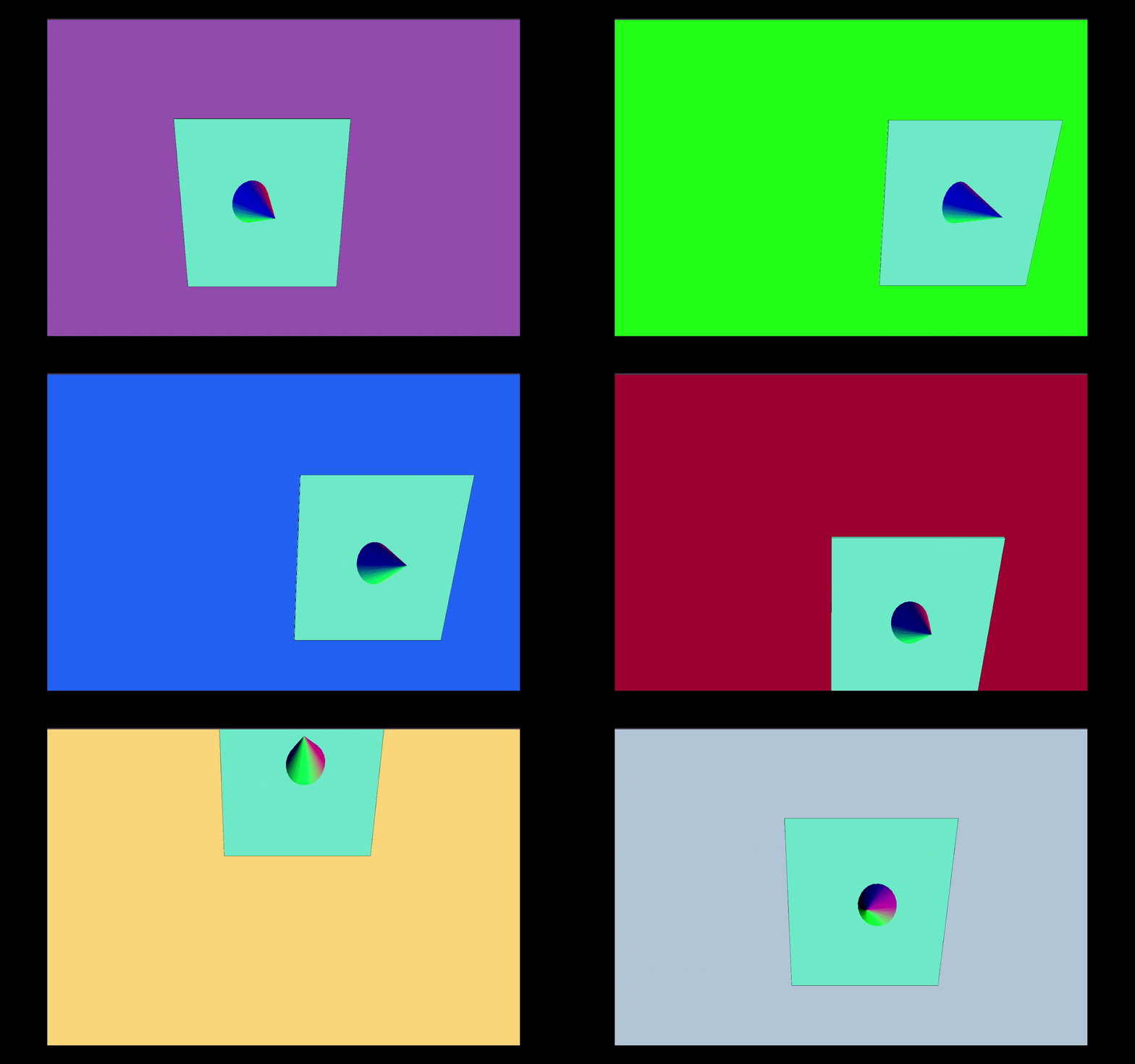
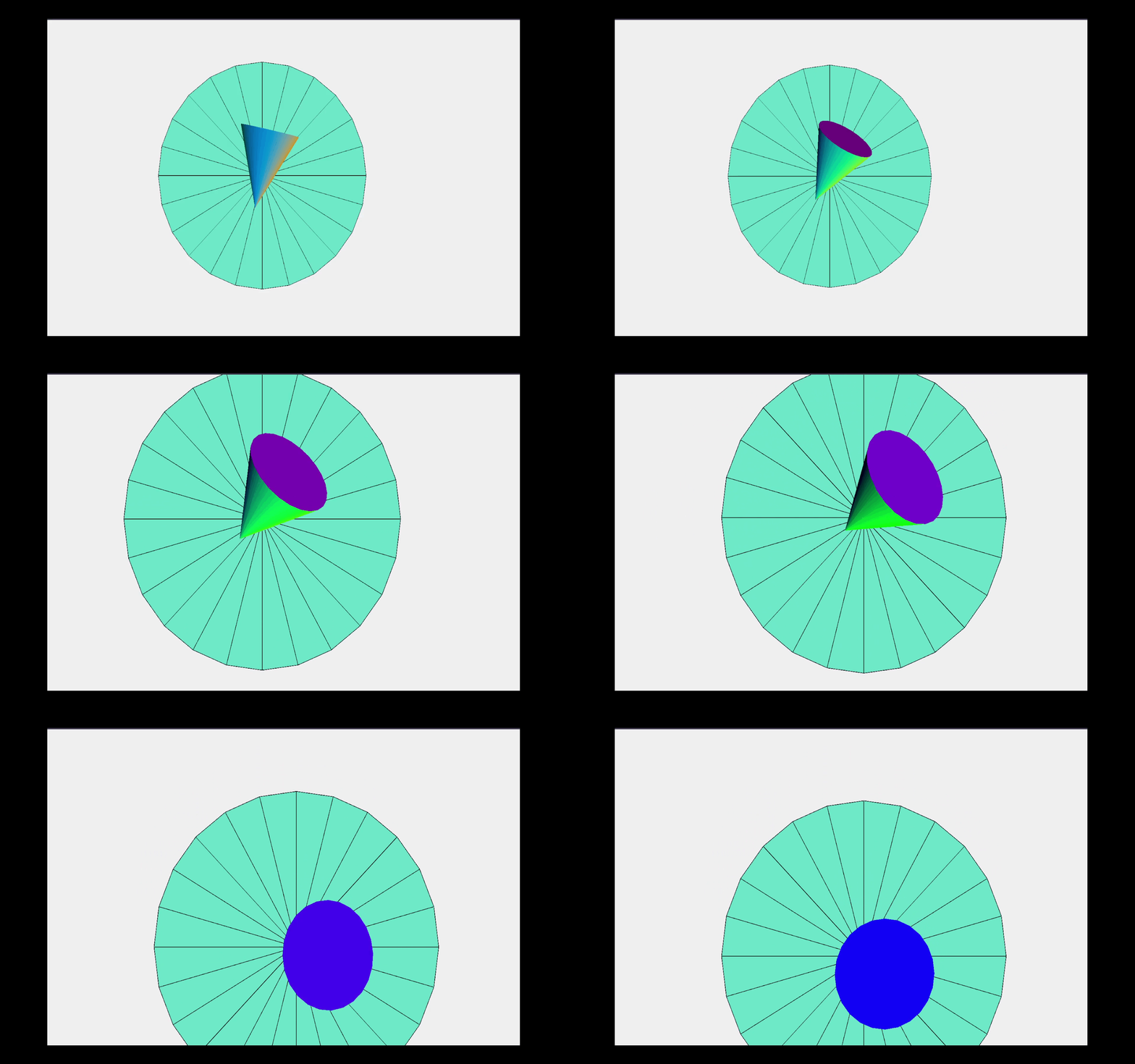
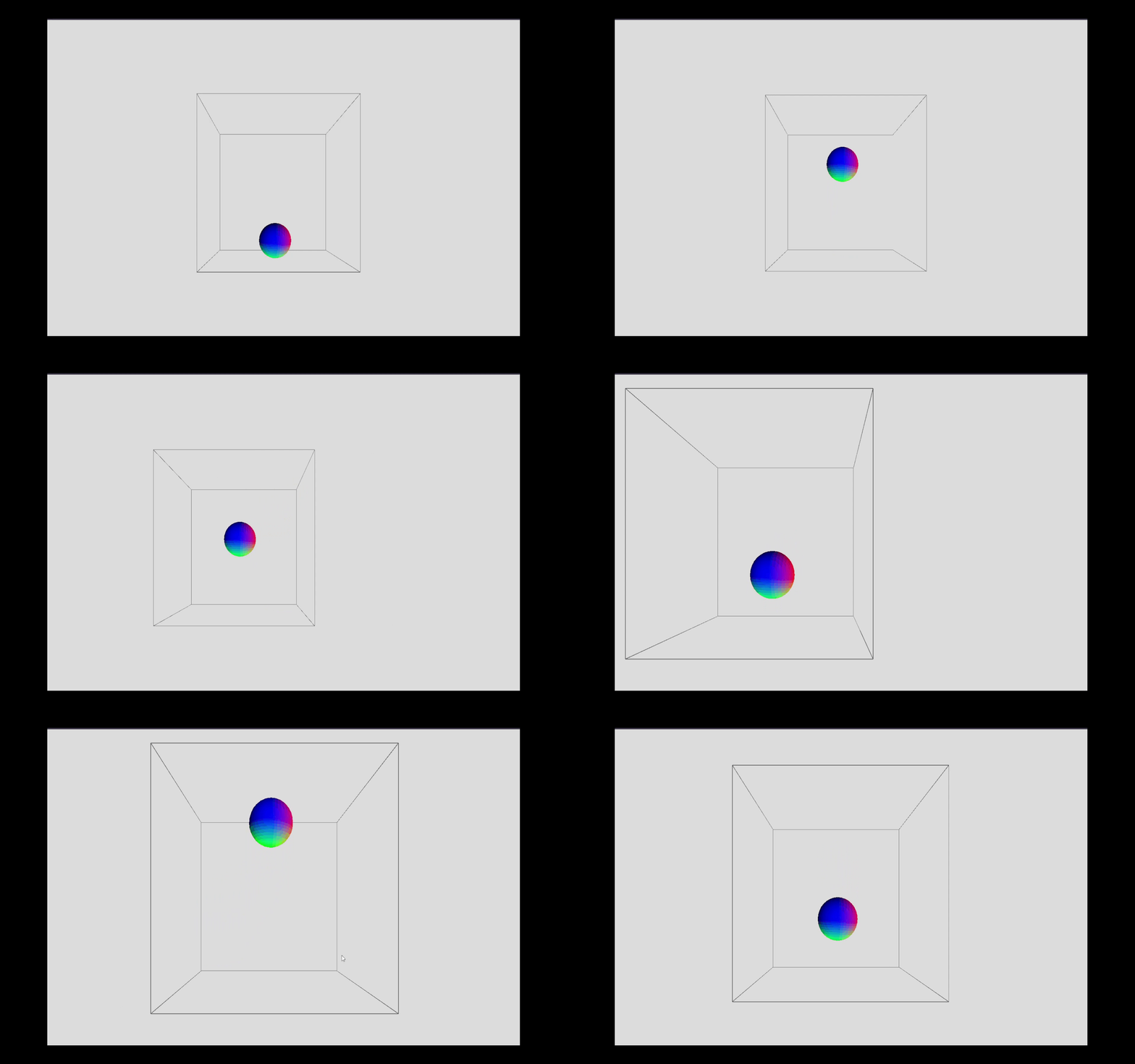
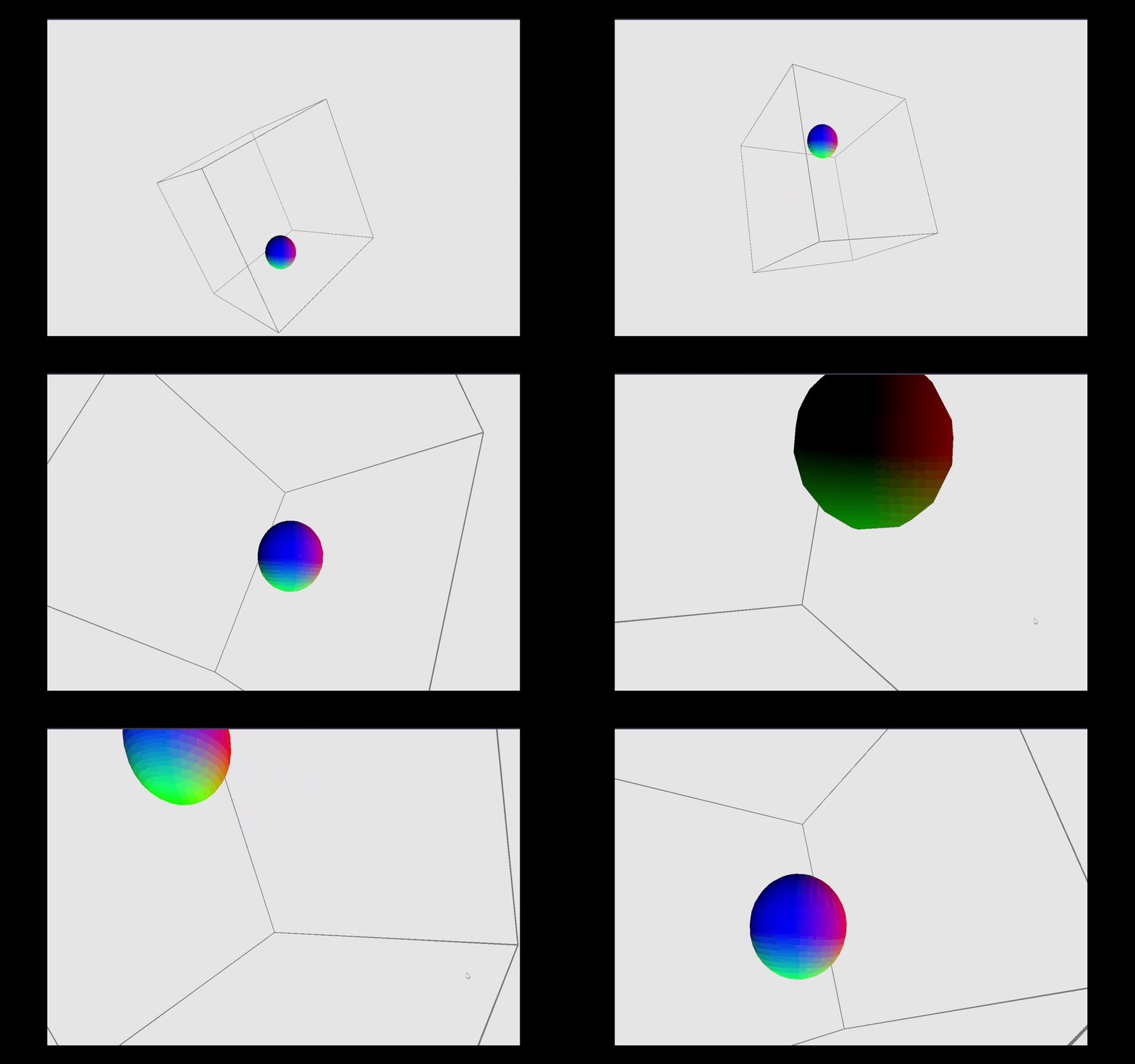
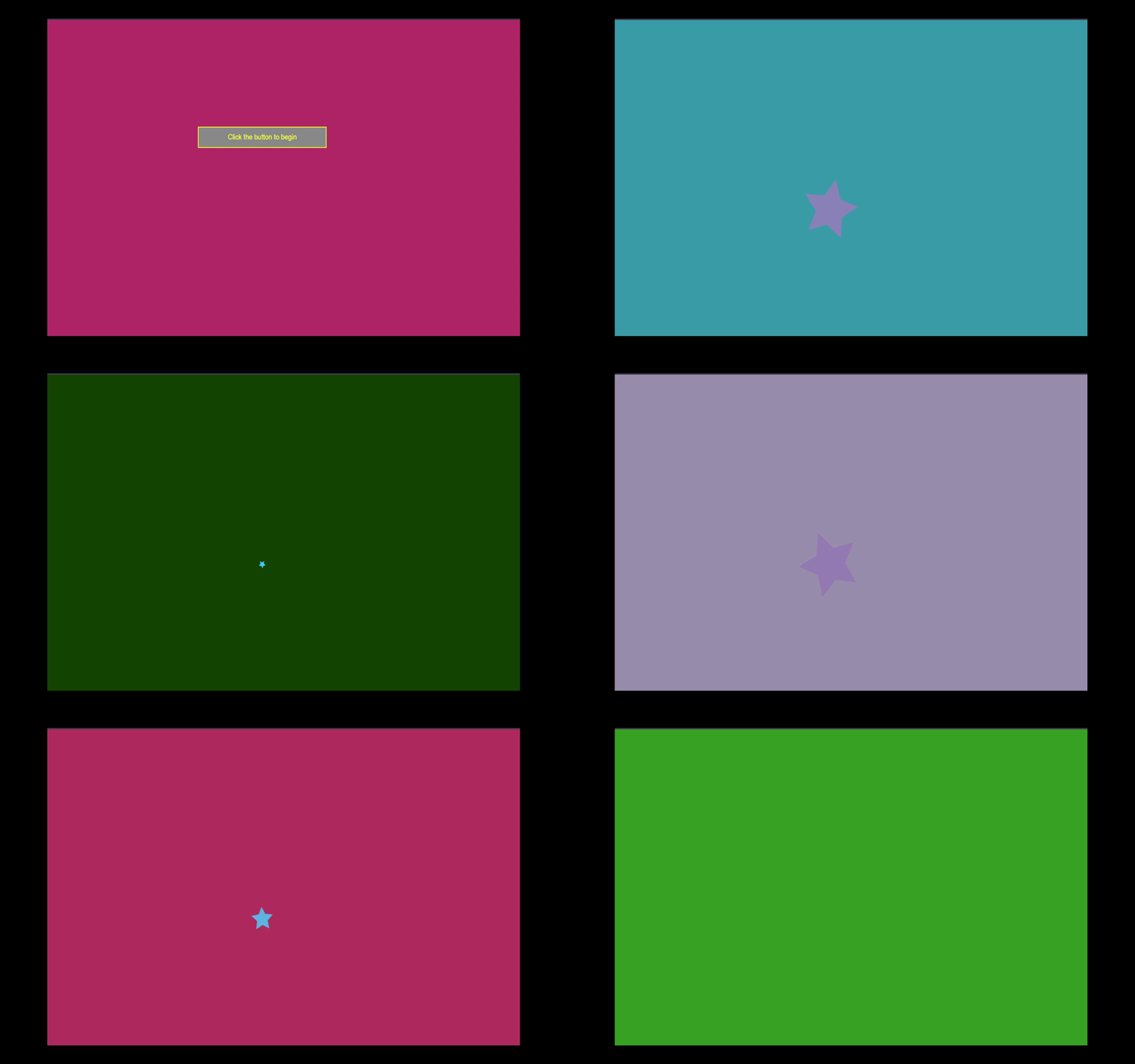
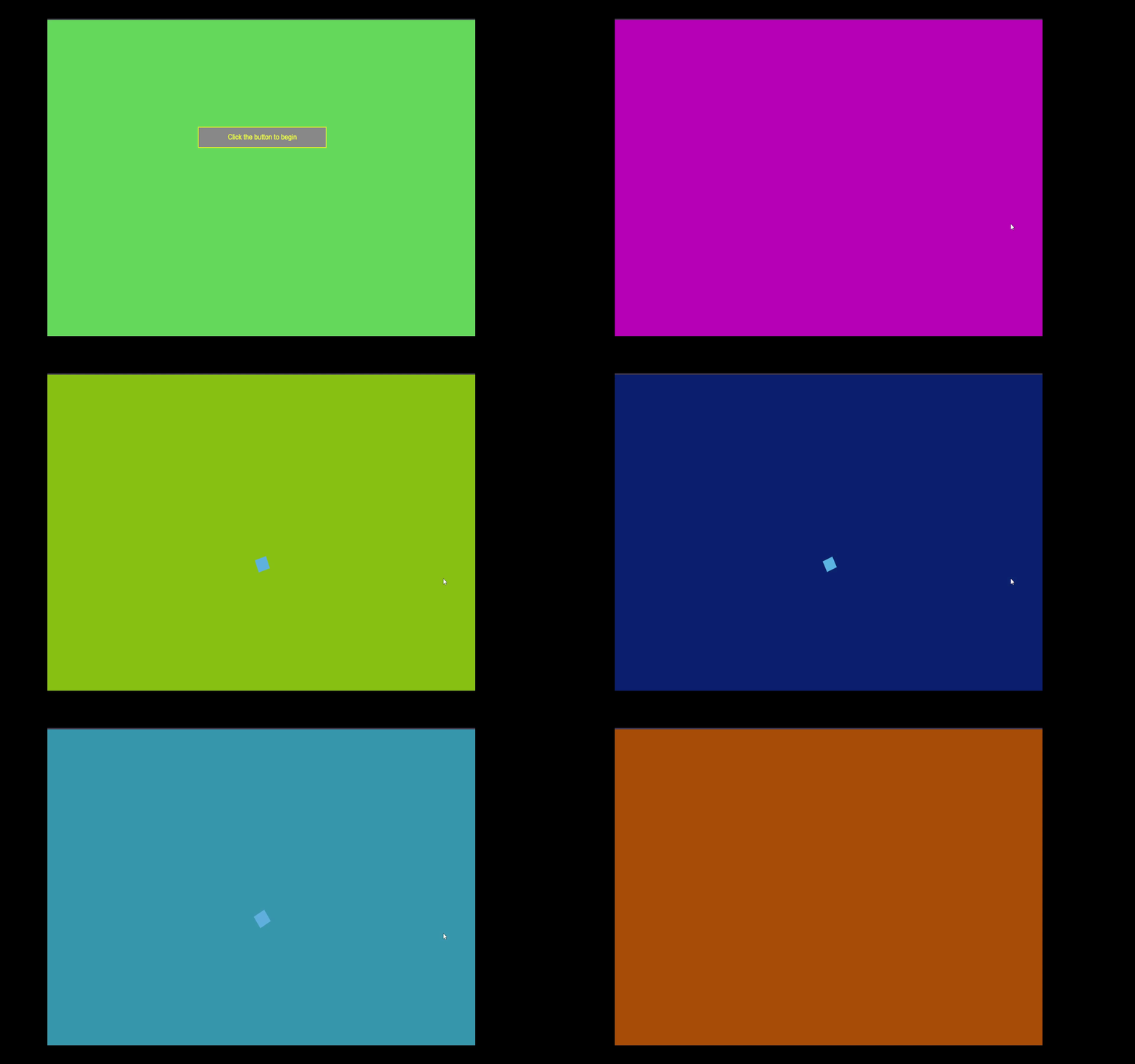
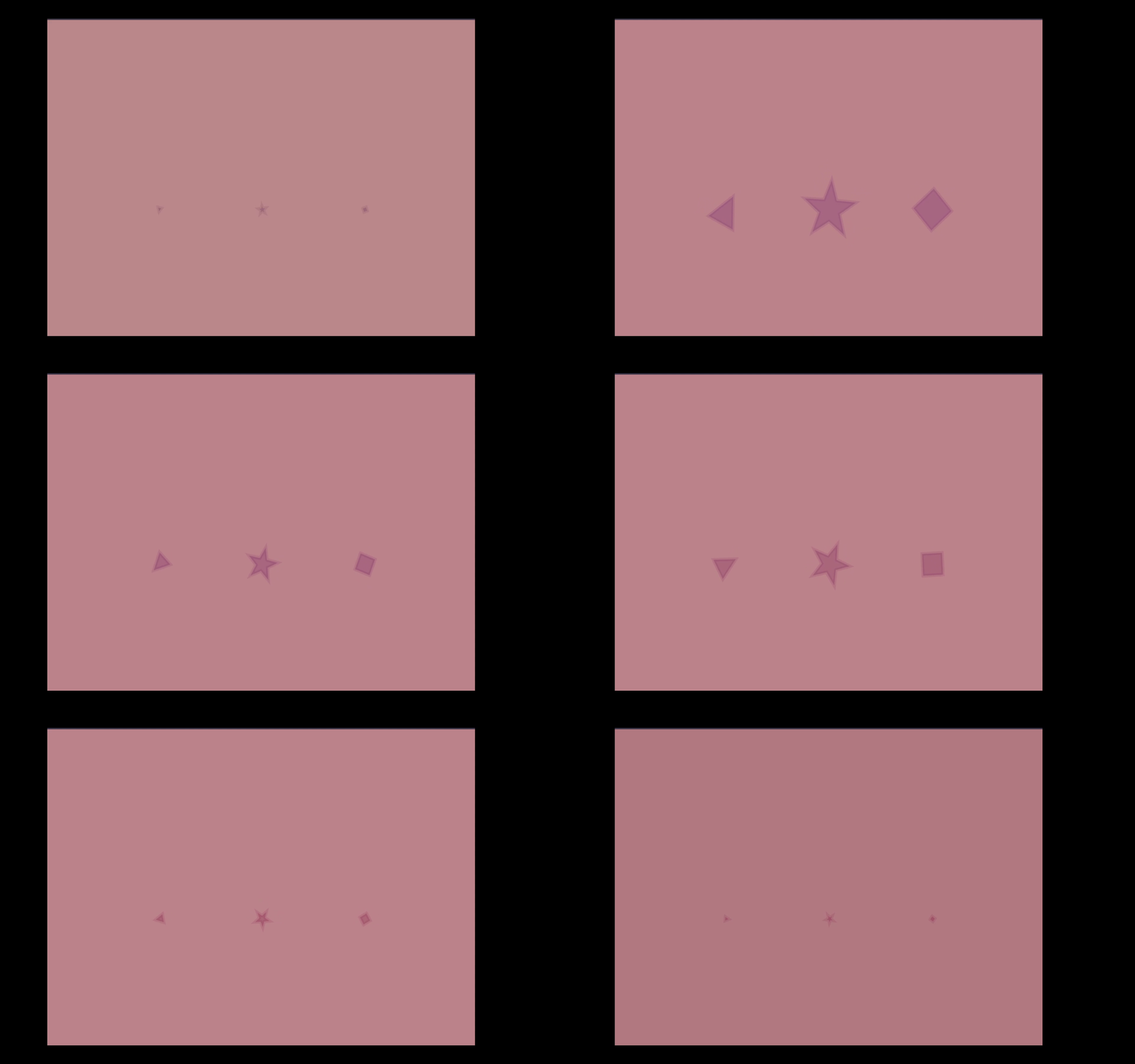
      Set on a vivid purple background, a seafoam-green frame twists and bends around a central, colorful oval, almost as if the shape is warping gravity. A geometric disc divided into aqua segments spins subtly on a neutral white-gray background, revealing a dark, colorful center and clean radial symmetry. A vivid rainbow-colored sphere spins at the center of nested polygonal frames on a light gray canvas. The symmetry gives a sci-fi, portal-like feel. The same vibrant sphere now floats in a distorted, off-center environment—angular frames shift and skew as if space itself is bending around the orb. A single white triangle floats slowly on a pitch-black background, suggesting minimalism and subtle motion, like a drifting spacecraft in the void. A glowing white star gently twinkles and rotates on a black backdrop—evoking a sense of space or celestial calm. A bright cyan star flickers on a green-yellow background. The playful color contrast and simplicity give it a fun, game-like vibe. A small, cyan square blinks and pulses gently on a vibrant neon green background. The sharp contrast between colors gives it an energetic, techy vibe. A dark purple star slowly grows and shrinks against a rich blue background. The shape seems to breathe, evoking a feeling of digital heartbeat or rhythm. Three equally spaced stars subtly animate across a muted navy-blue canvas, suggesting motion, balance, or even a visual representation of a beat loop. A triangle, star, and square appear side by side on a dusty rose background, each with soft animations—like shape evolution or transformation in progress. A dark block shape pulses or rotates slightly on a forest green background, quietly standing out with minimal motion, hinting at subtle energy or mystery.

Activity 2
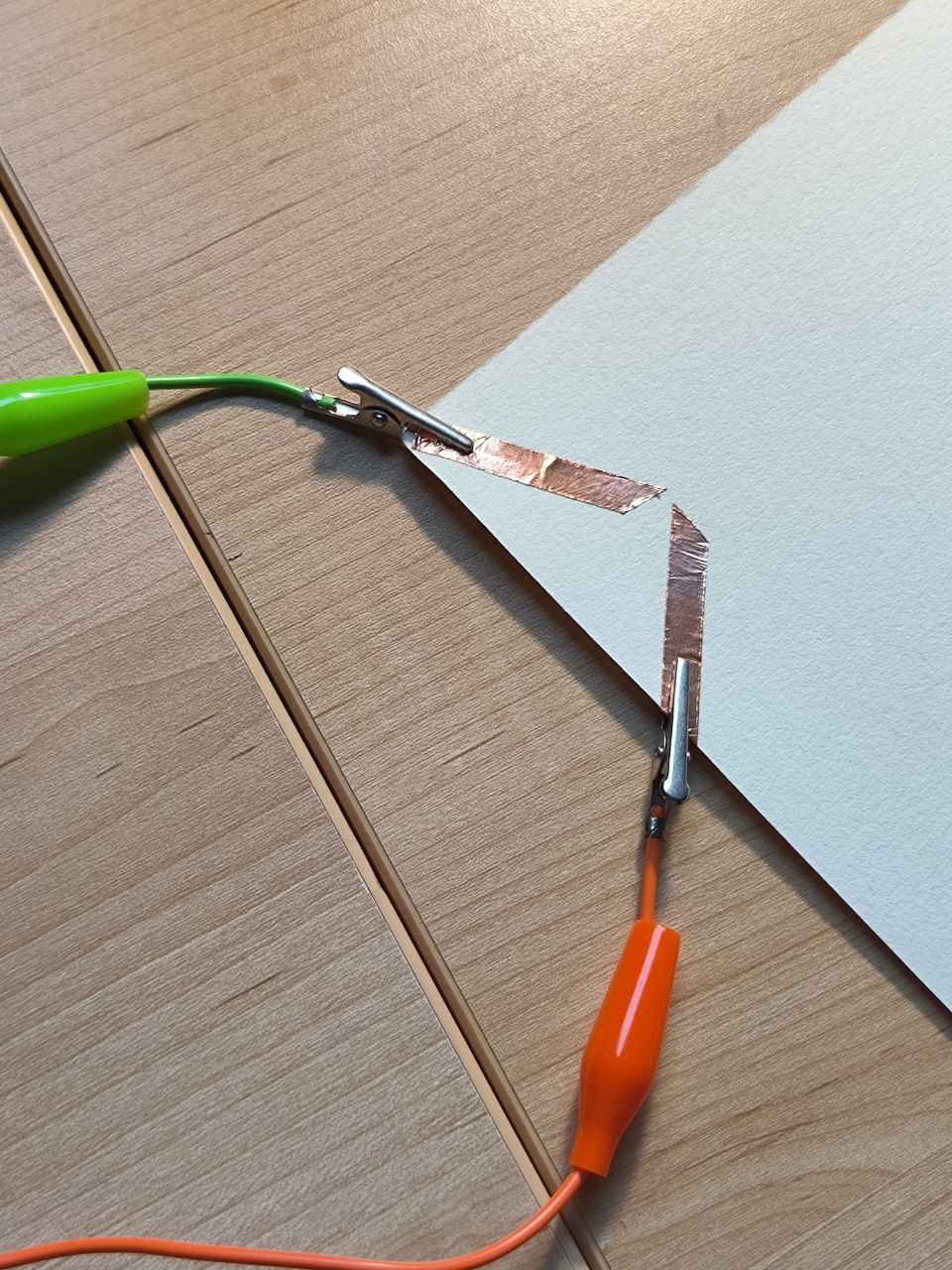
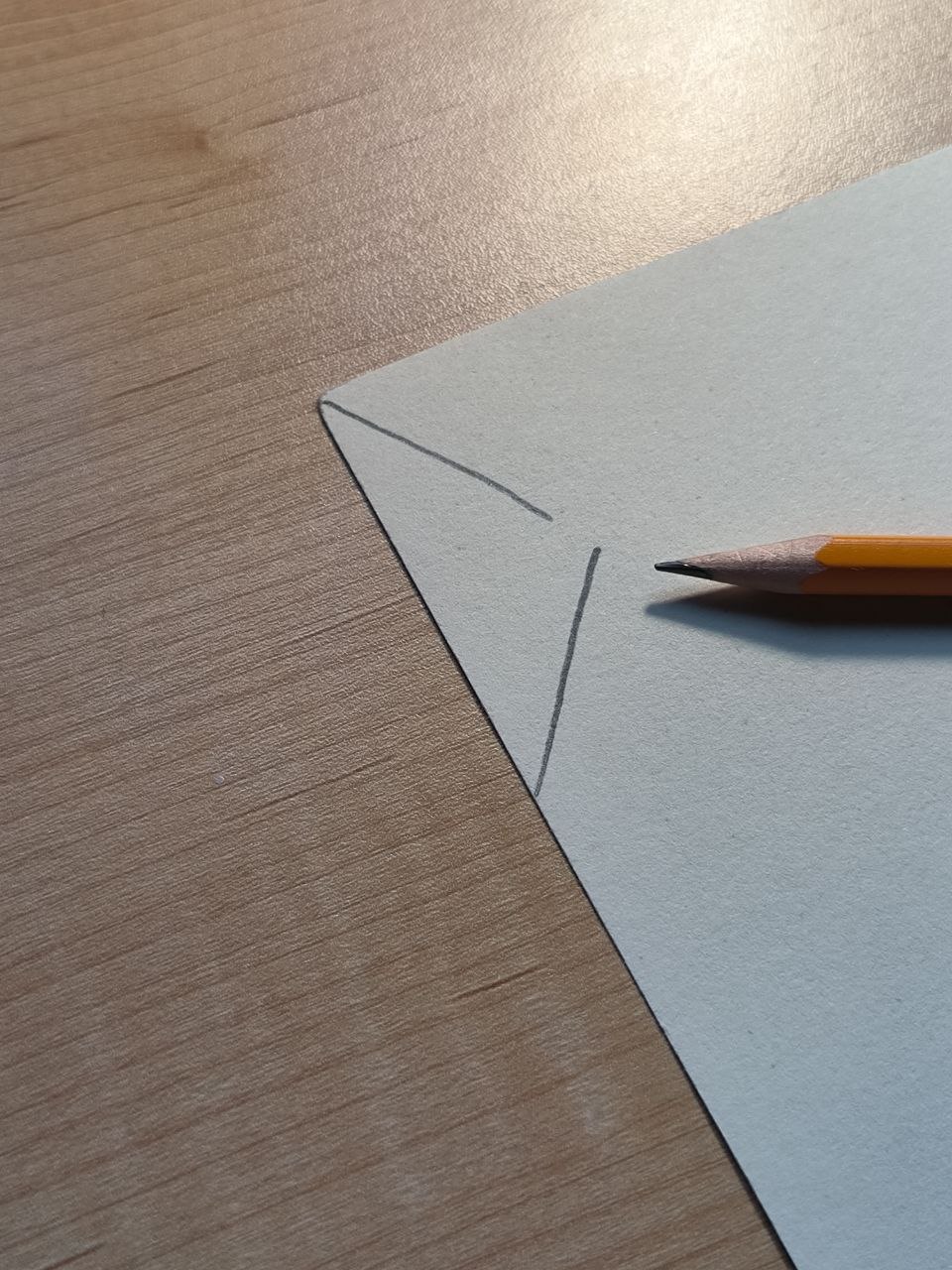
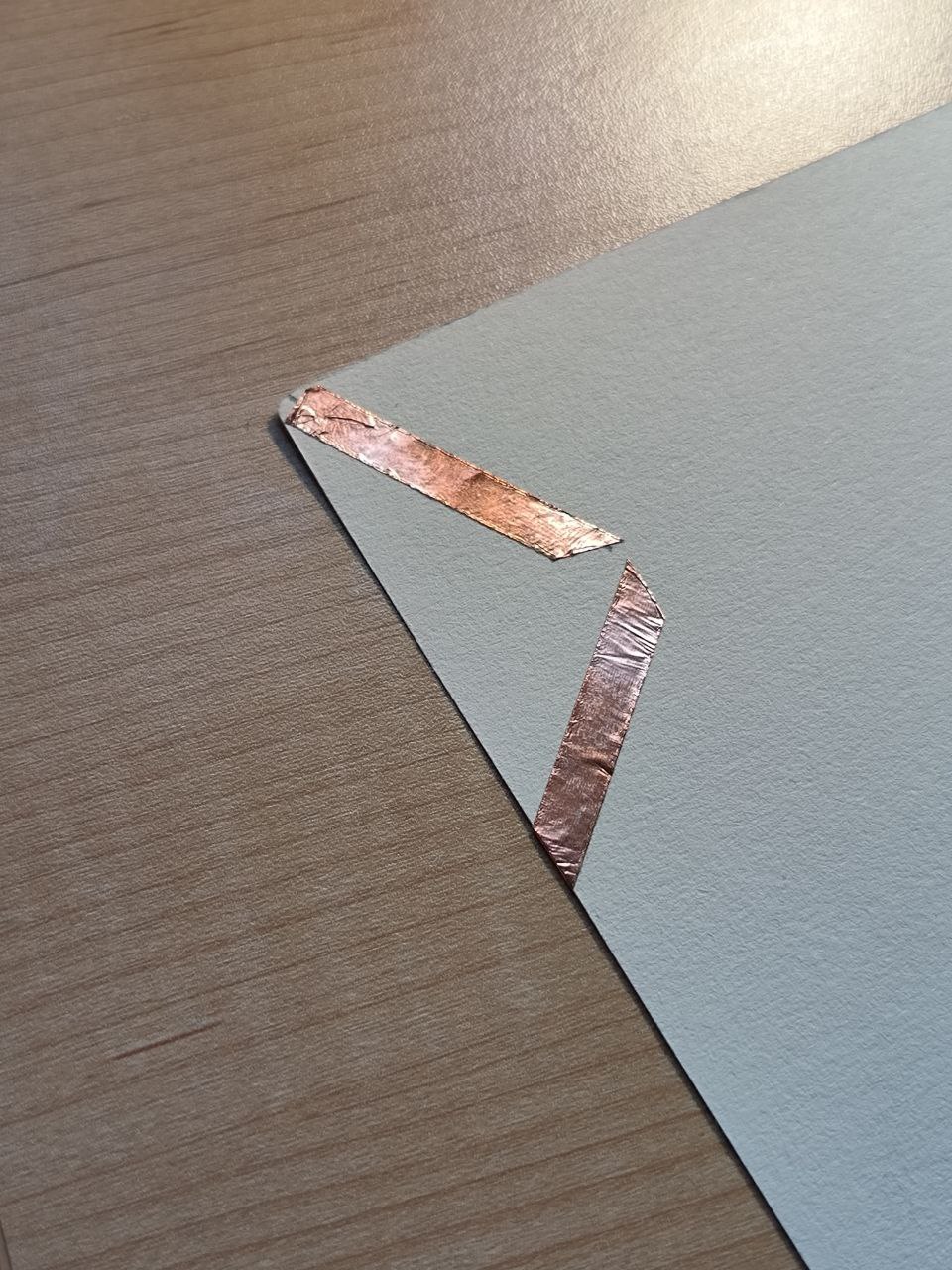
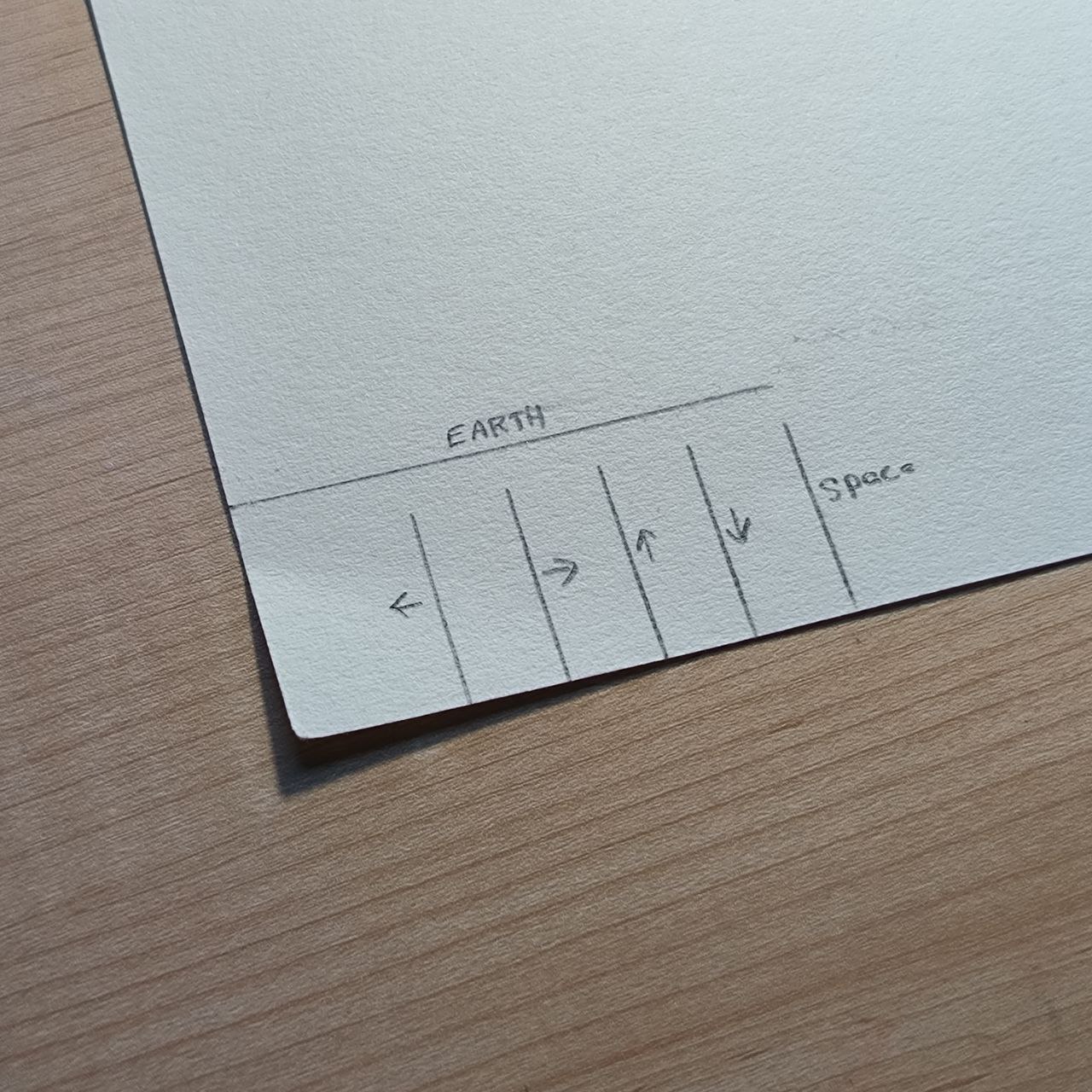
The activity begins with a simple pencil sketch on a piece of cardstock. This forms the base layout where the conductive elements will be placed—an initial design for a functional touch-based circuit. Copper tape is applied over the sketched lines, turning the paper into a conductive surface. These strips will act as contact points to trigger different commands through the Makey Makey.

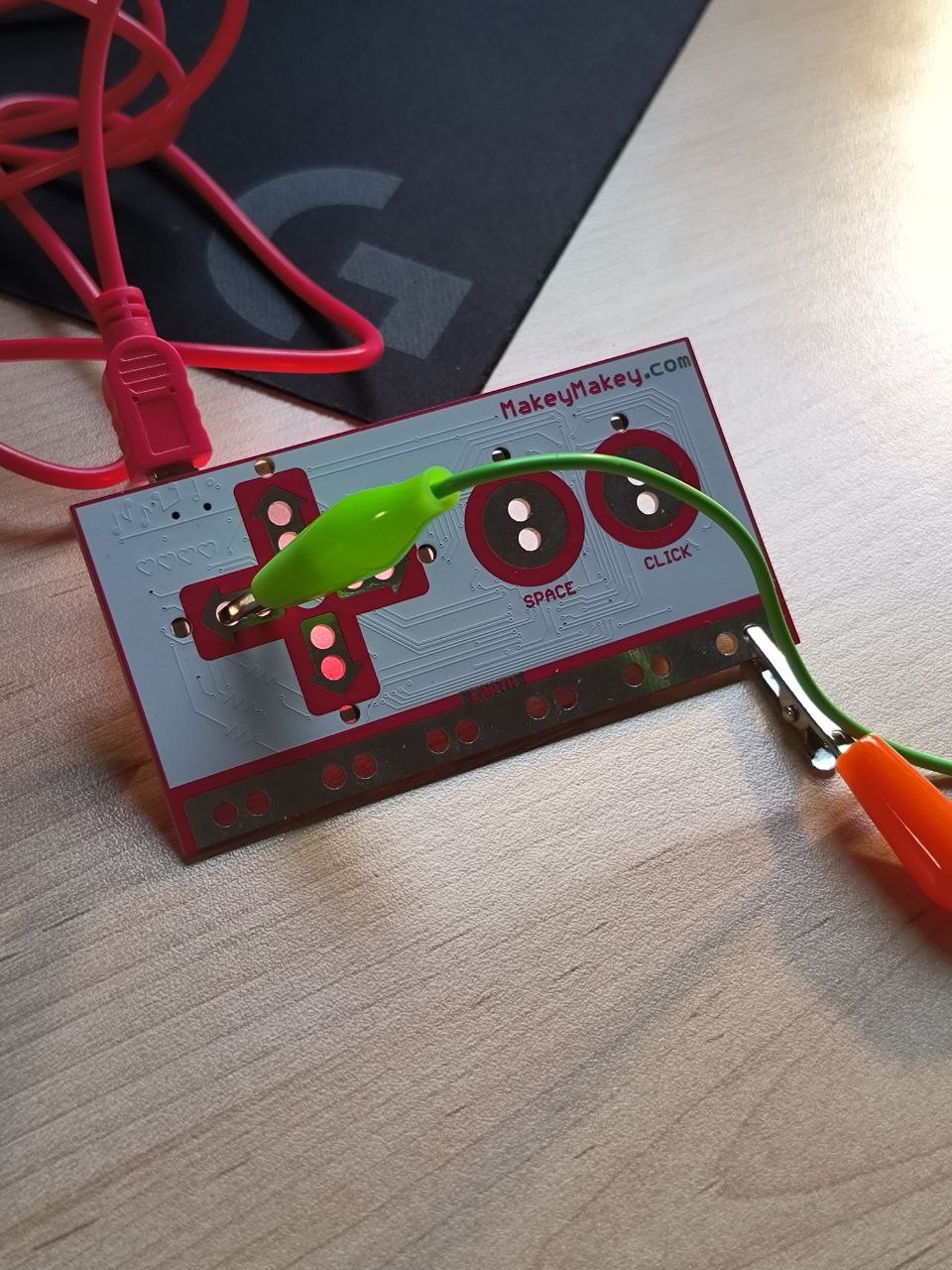
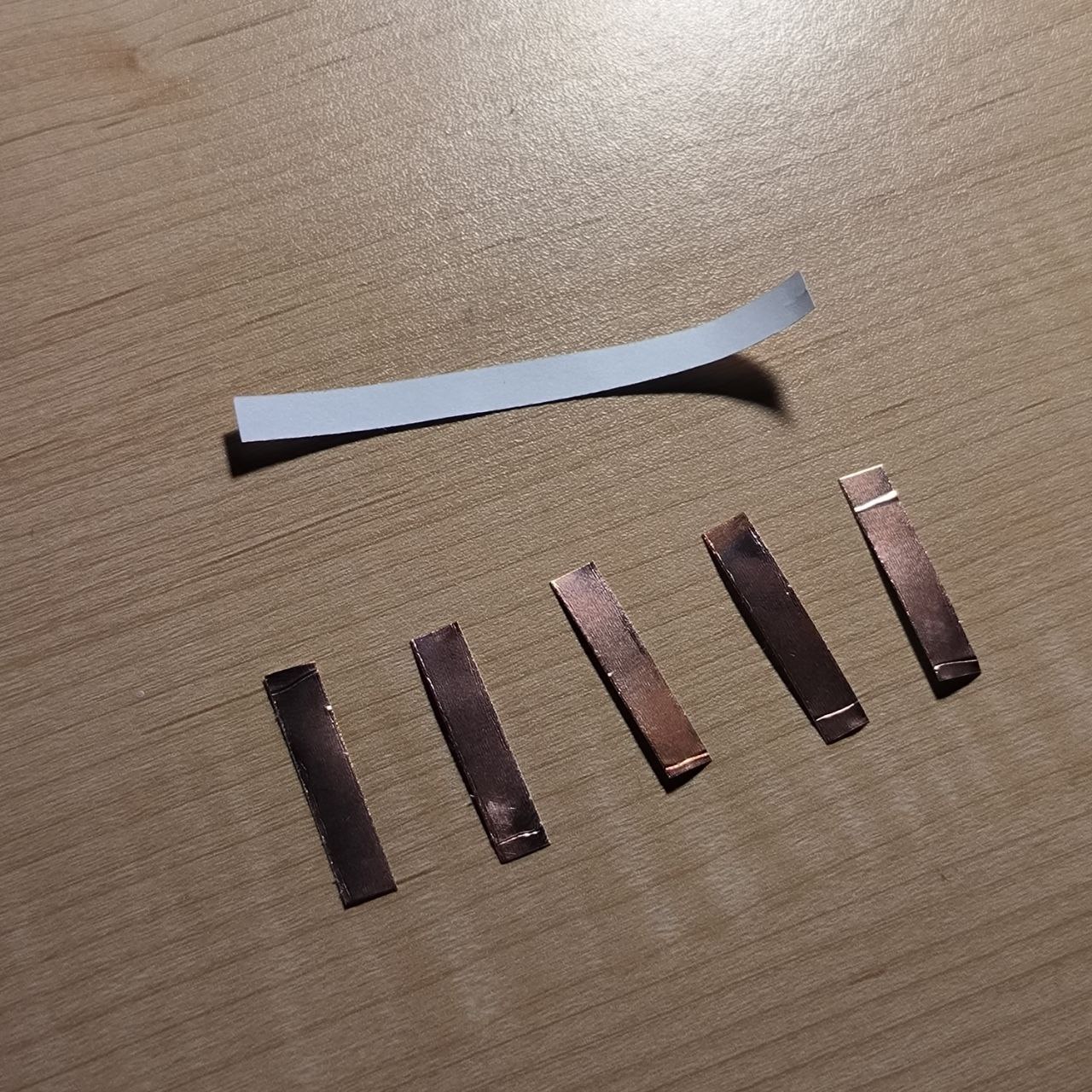
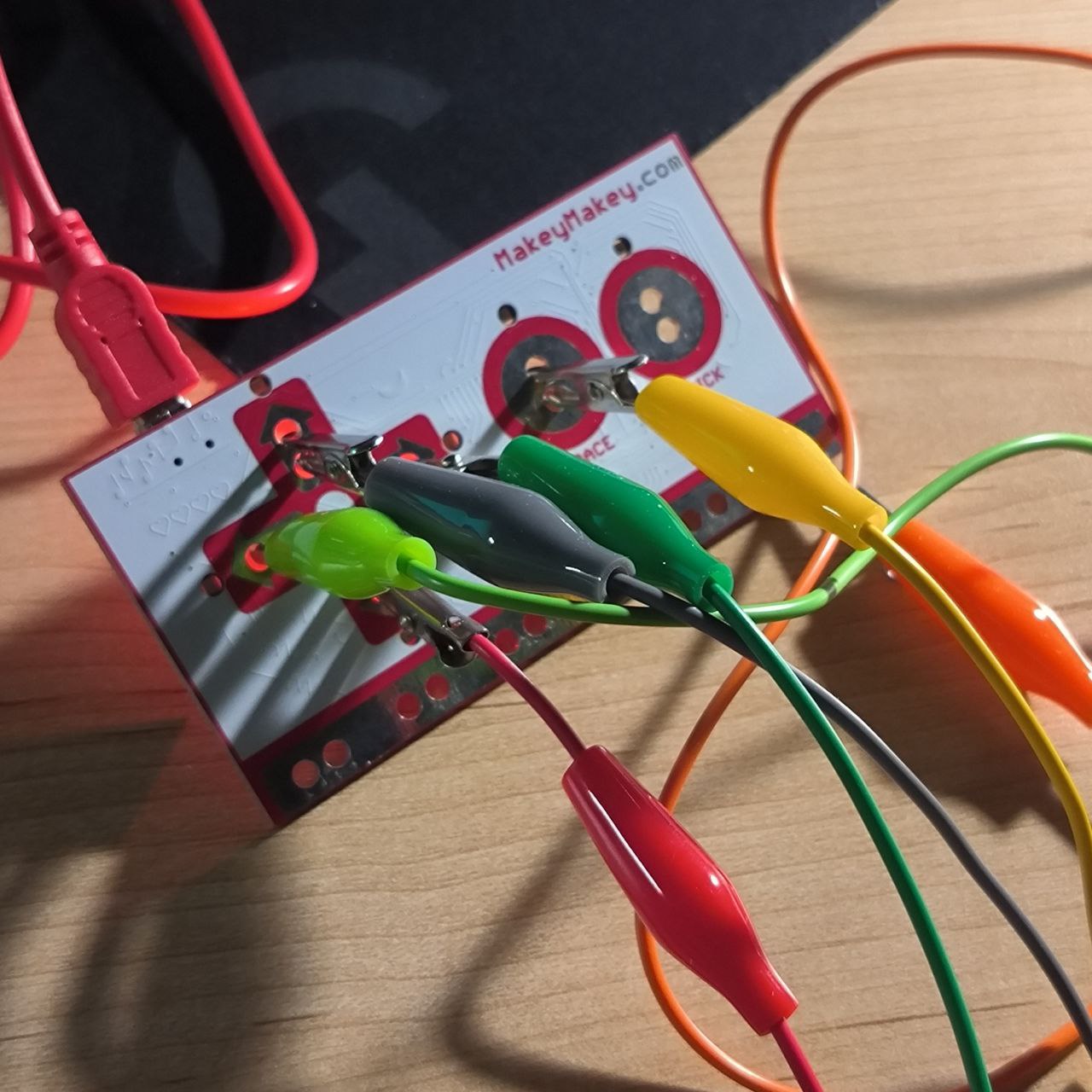
      A Makey Makey board is powered and ready, with alligator clips attached. One clip is connected to the space input, preparing the board to detect touch-based interactions from the paper circuit. The alligator clips are connected from the Makey Makey directly to the copper tape on the cardstock. This step checks for proper conductivity and confirms that touch will register as a keyboard input. The completed paper interface includes clearly marked controls such as arrows and the space bar. This DIY setup transforms a simple piece of paper into a custom, tactile controller—interactive, playful, and handmade. Strips of copper tape are neatly cut and ready for layout. These will be used as touch-sensitive inputs that respond to finger contact. A white backing strip suggests potential insulation or structure support.

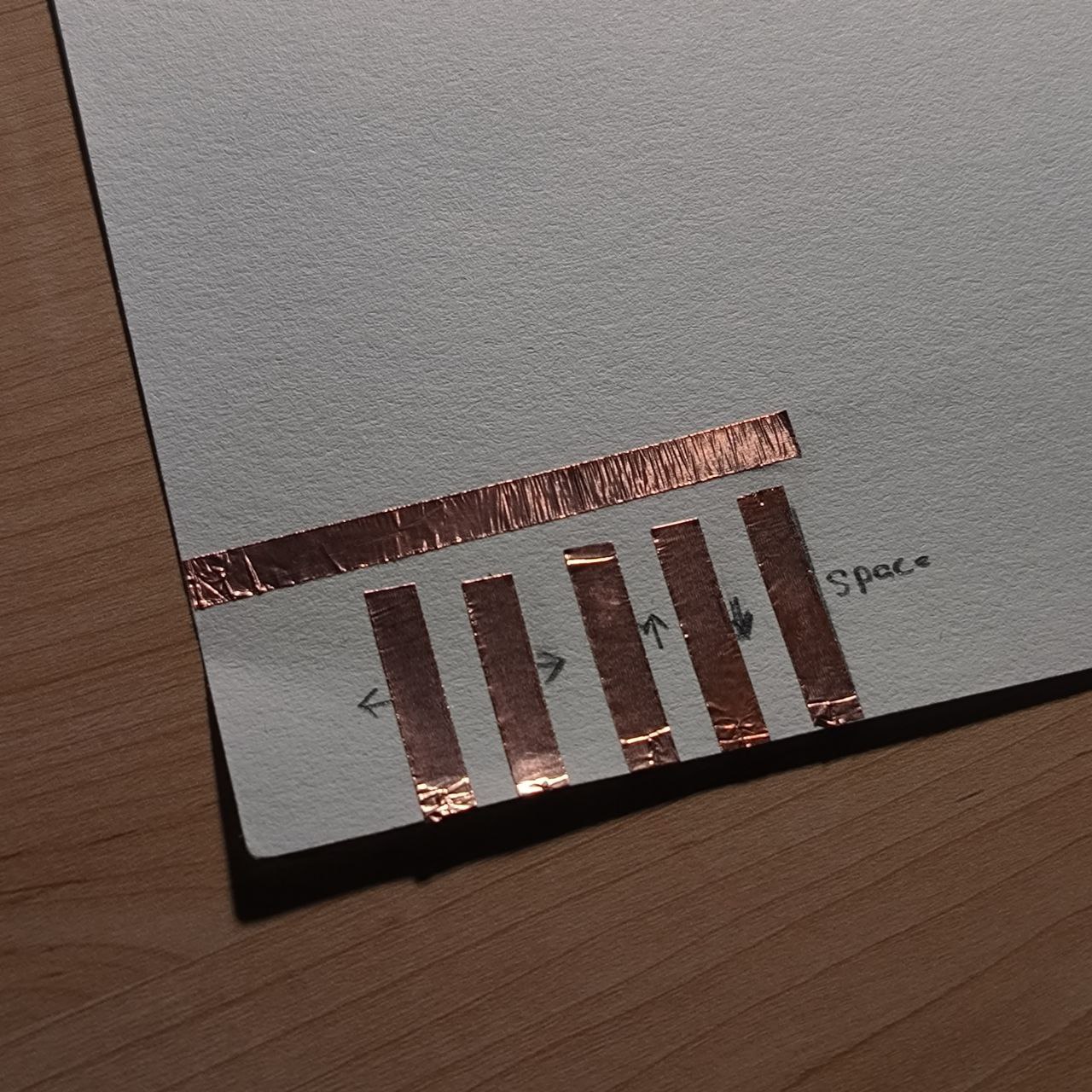
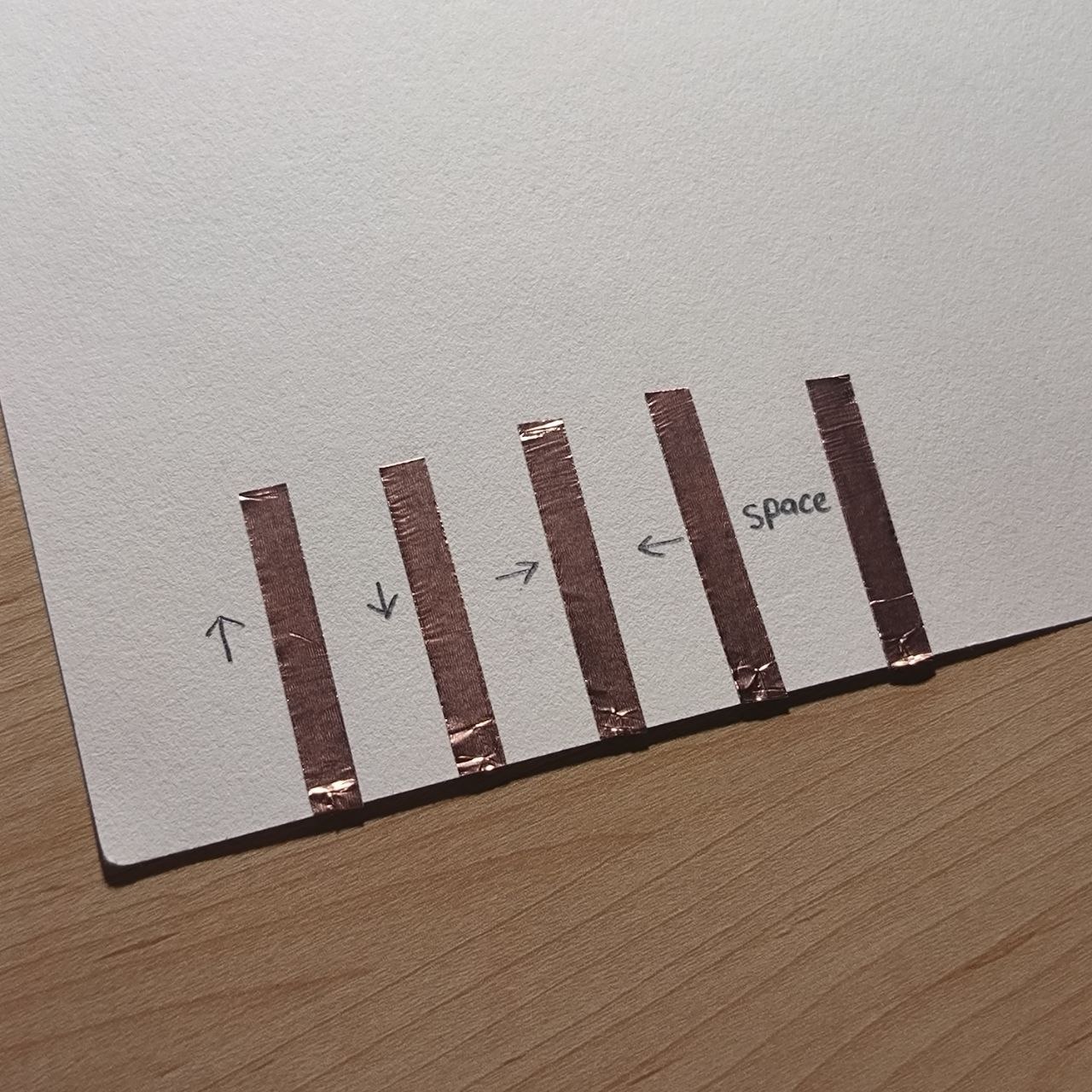
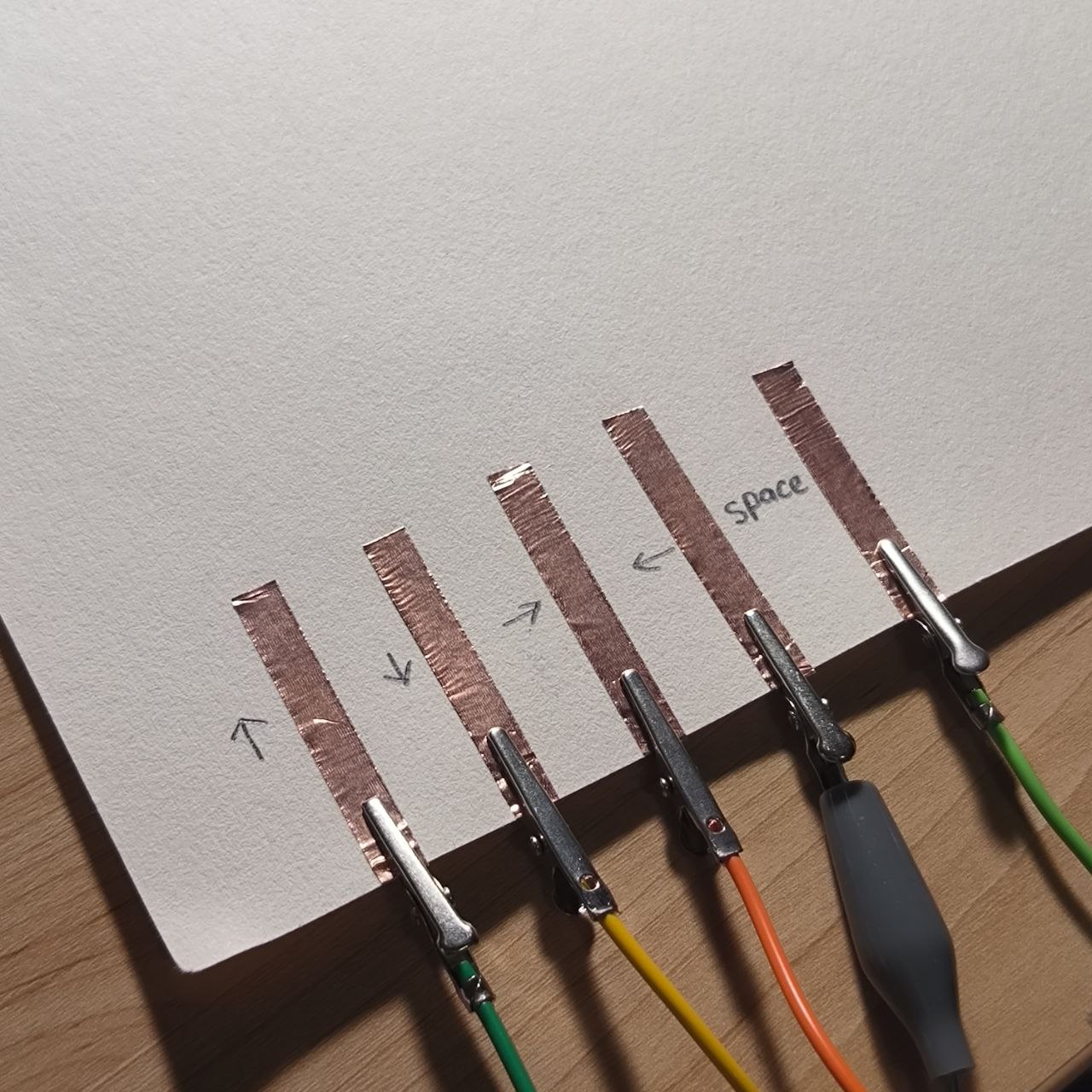
      The copper strips are applied vertically to the paper and labeled with directional controls (left, right, etc.) and “space.” This layout mirrors a simplified keyboard, transforming the page into an interactive surface.

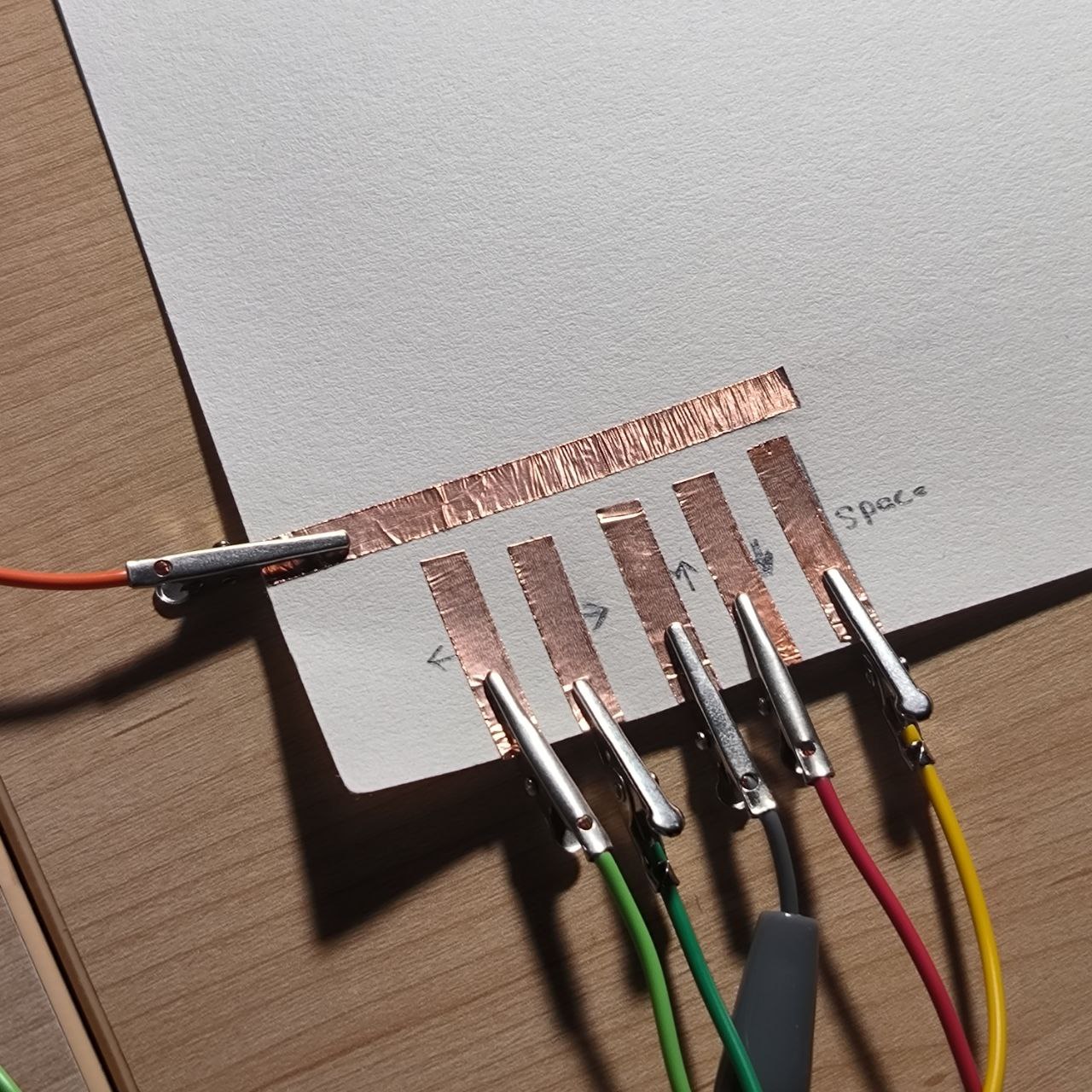
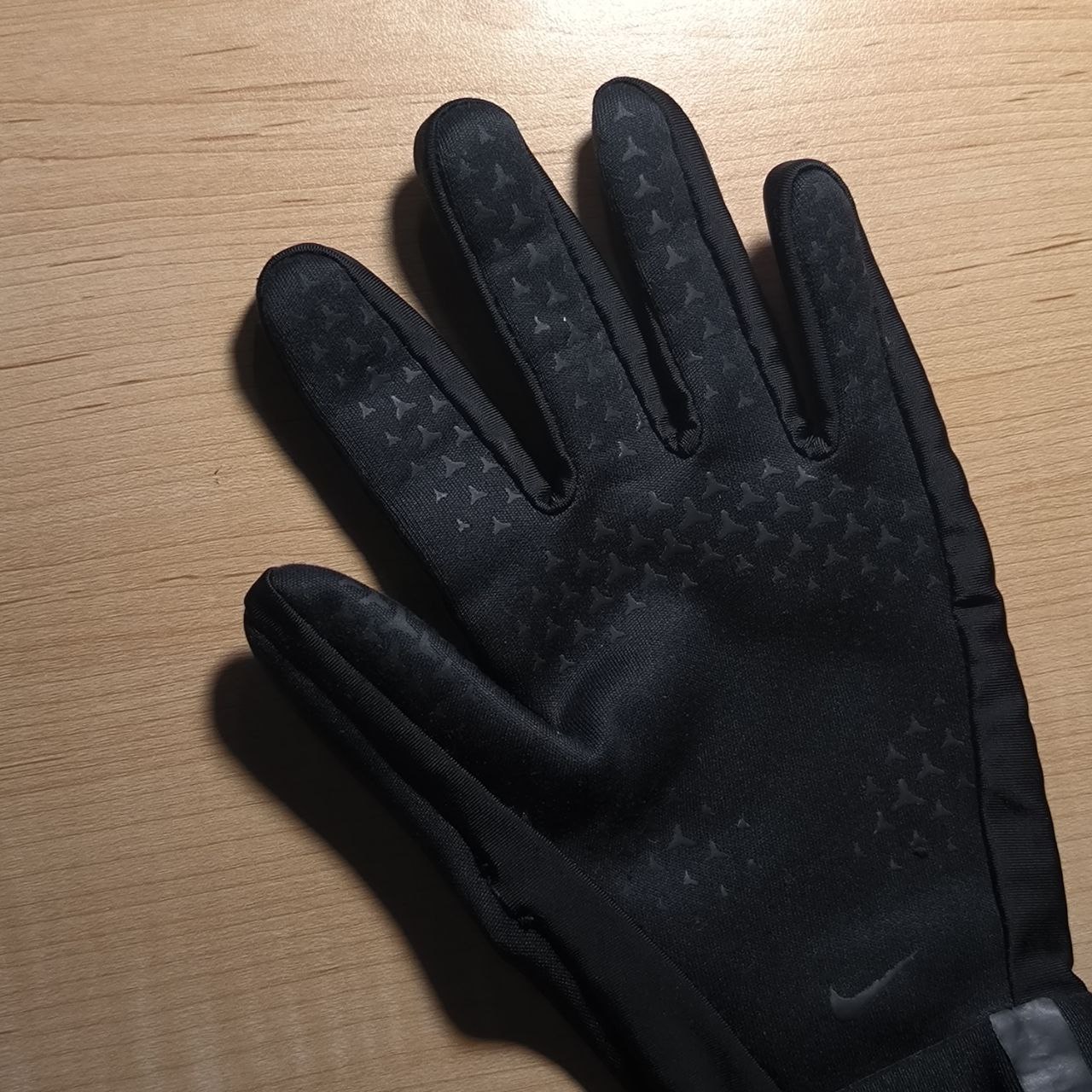
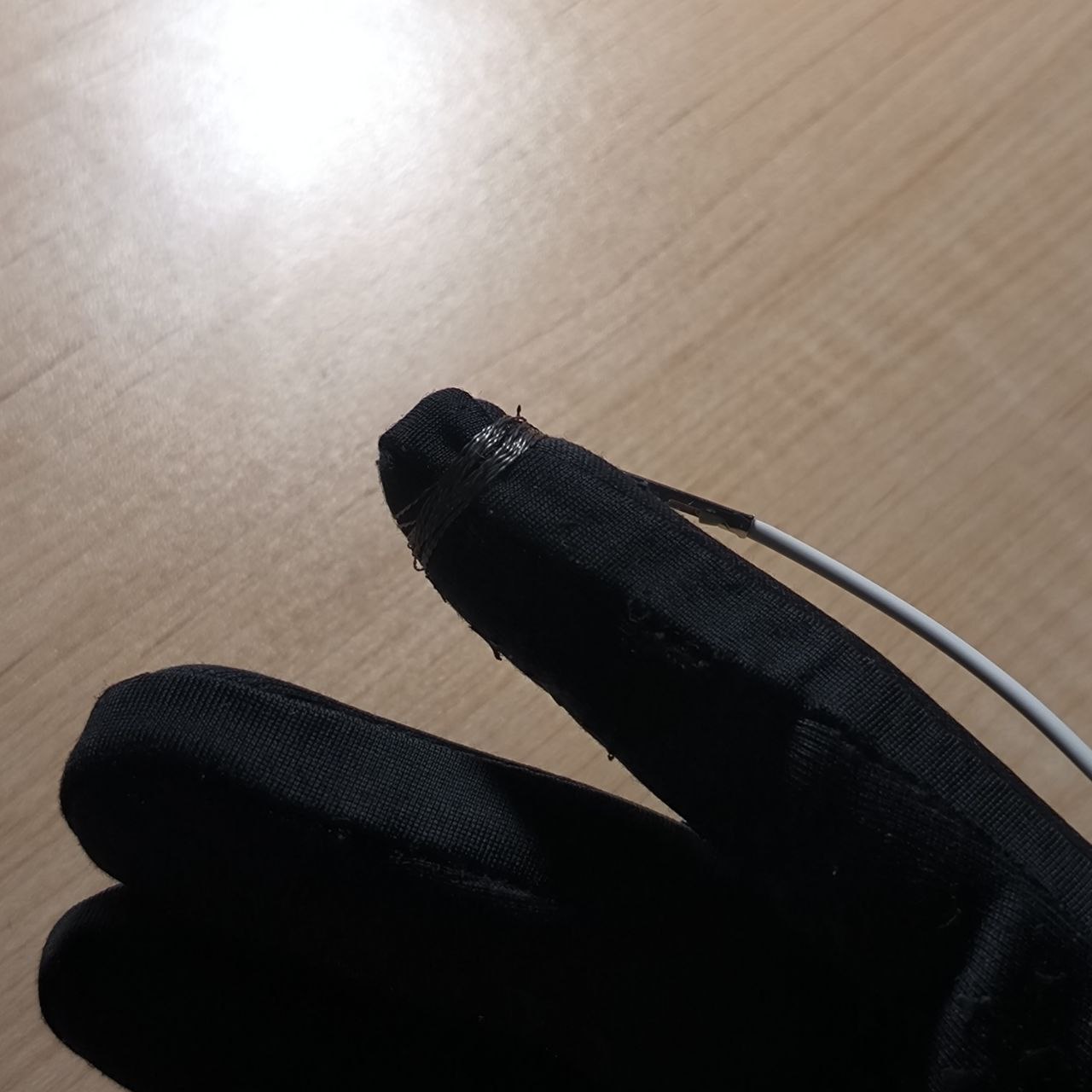
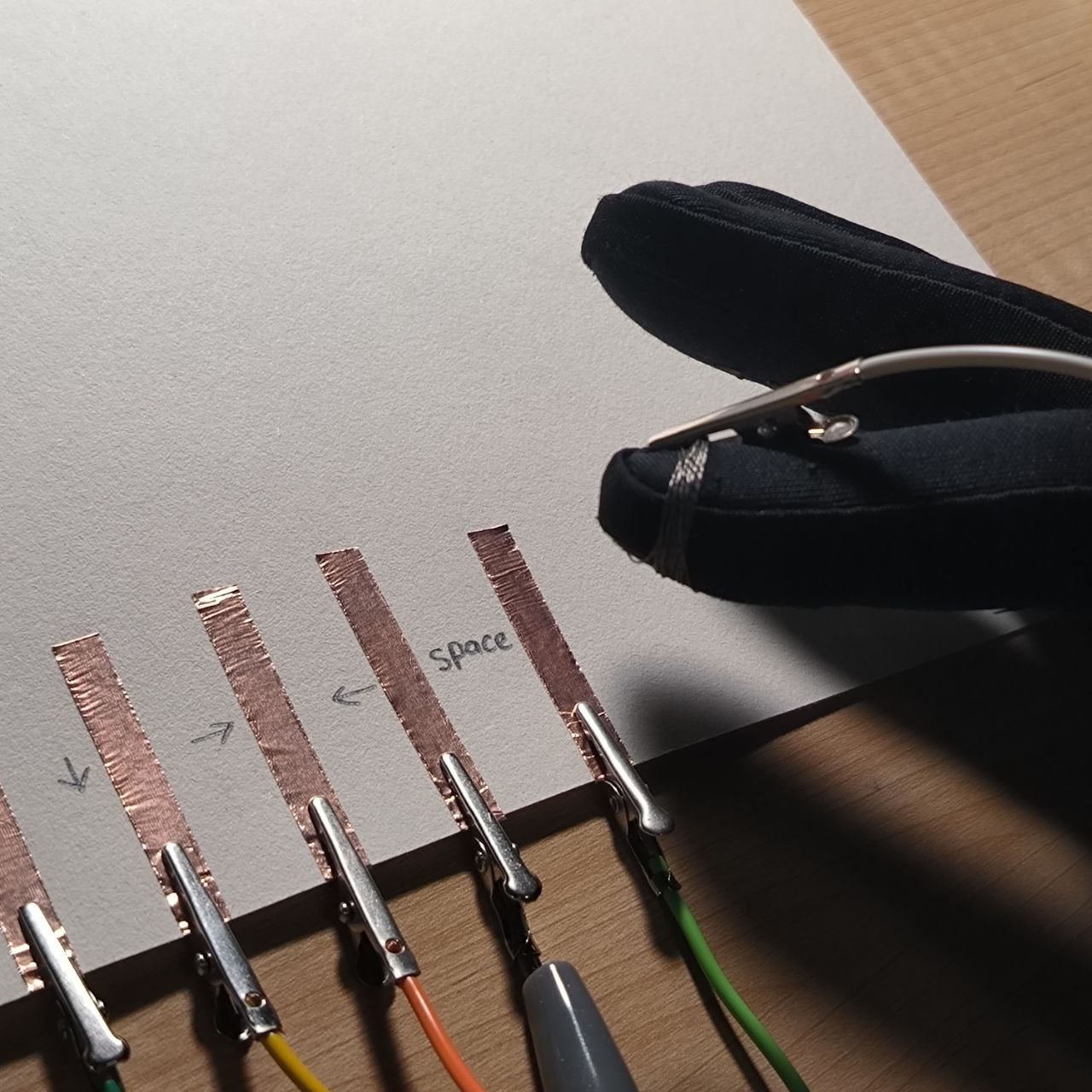
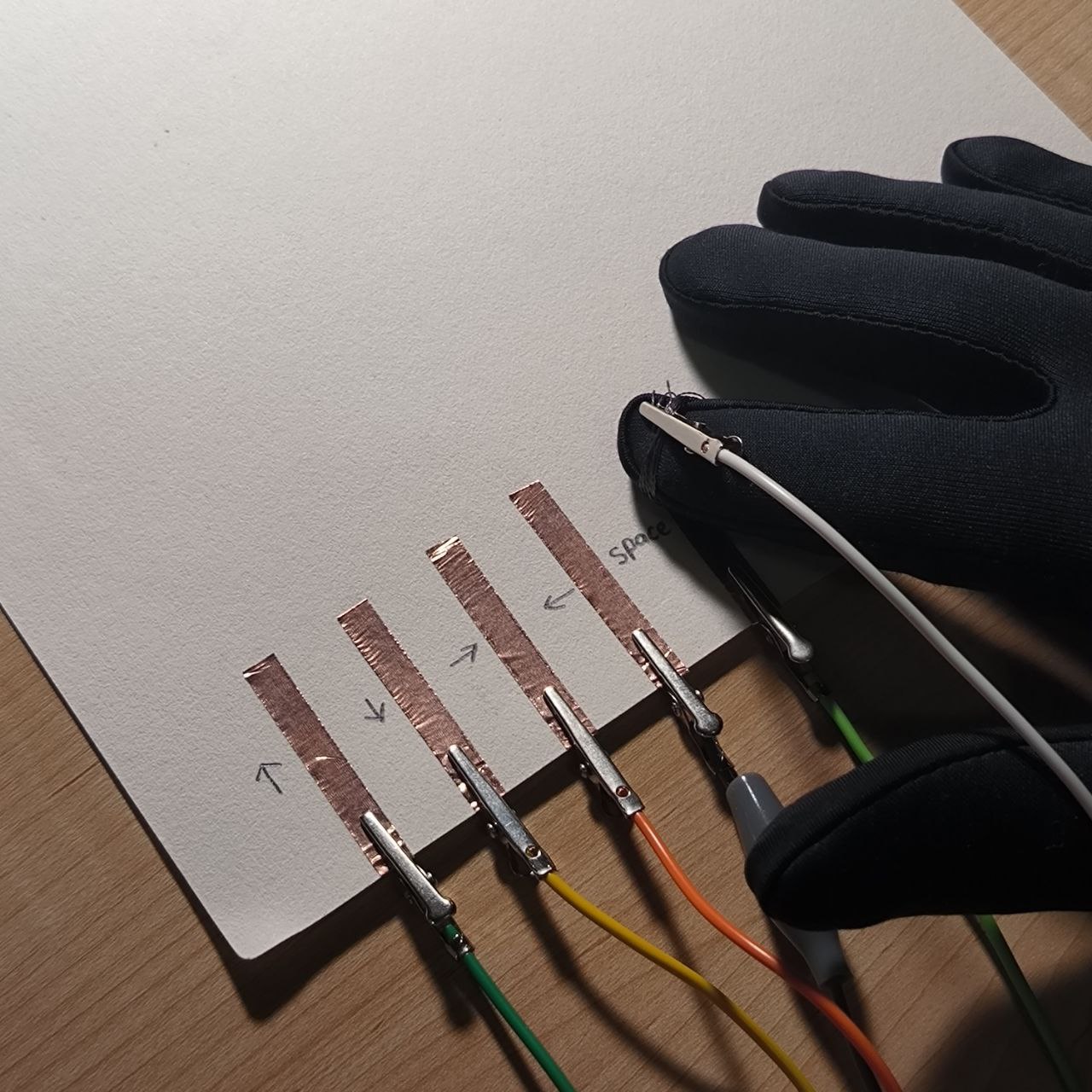
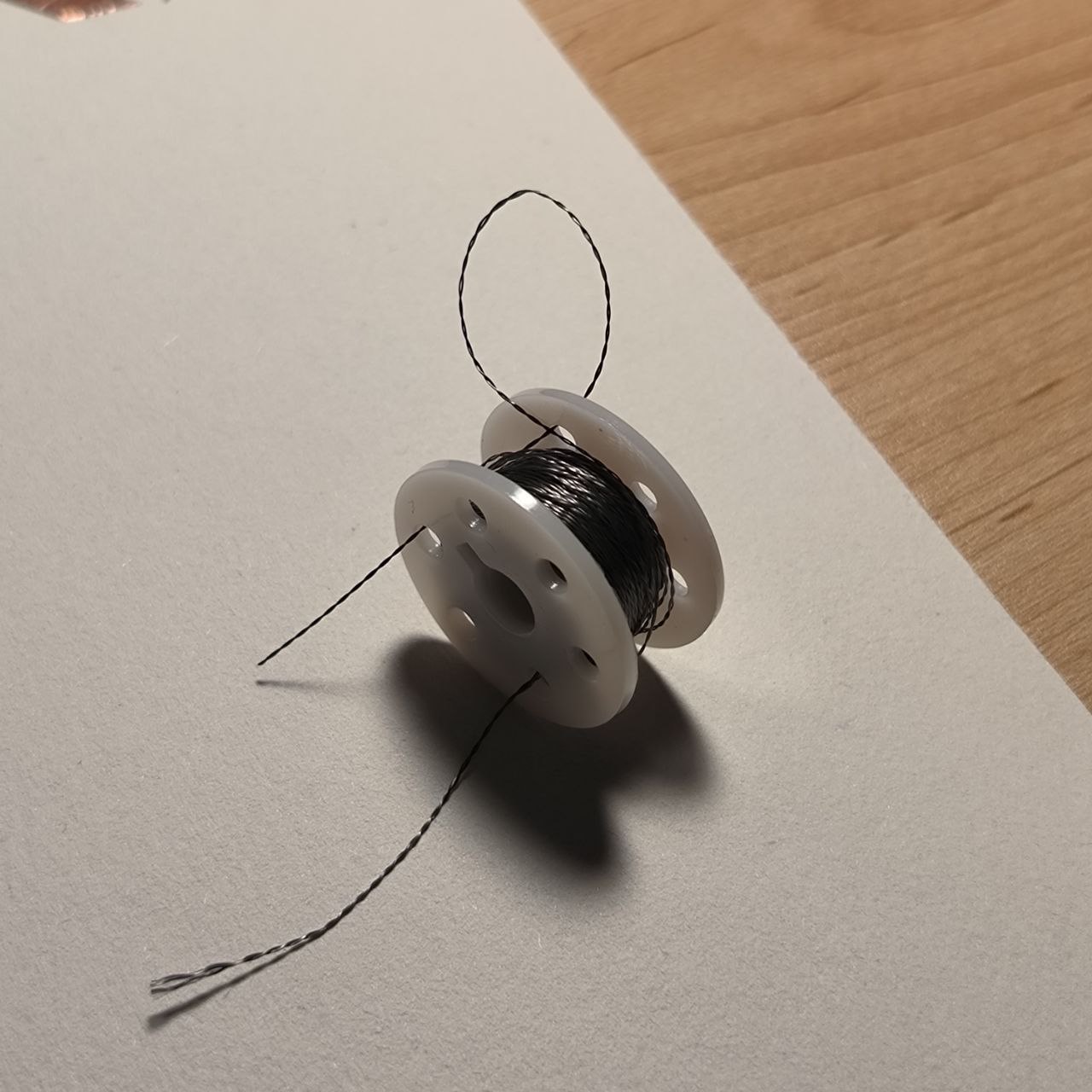
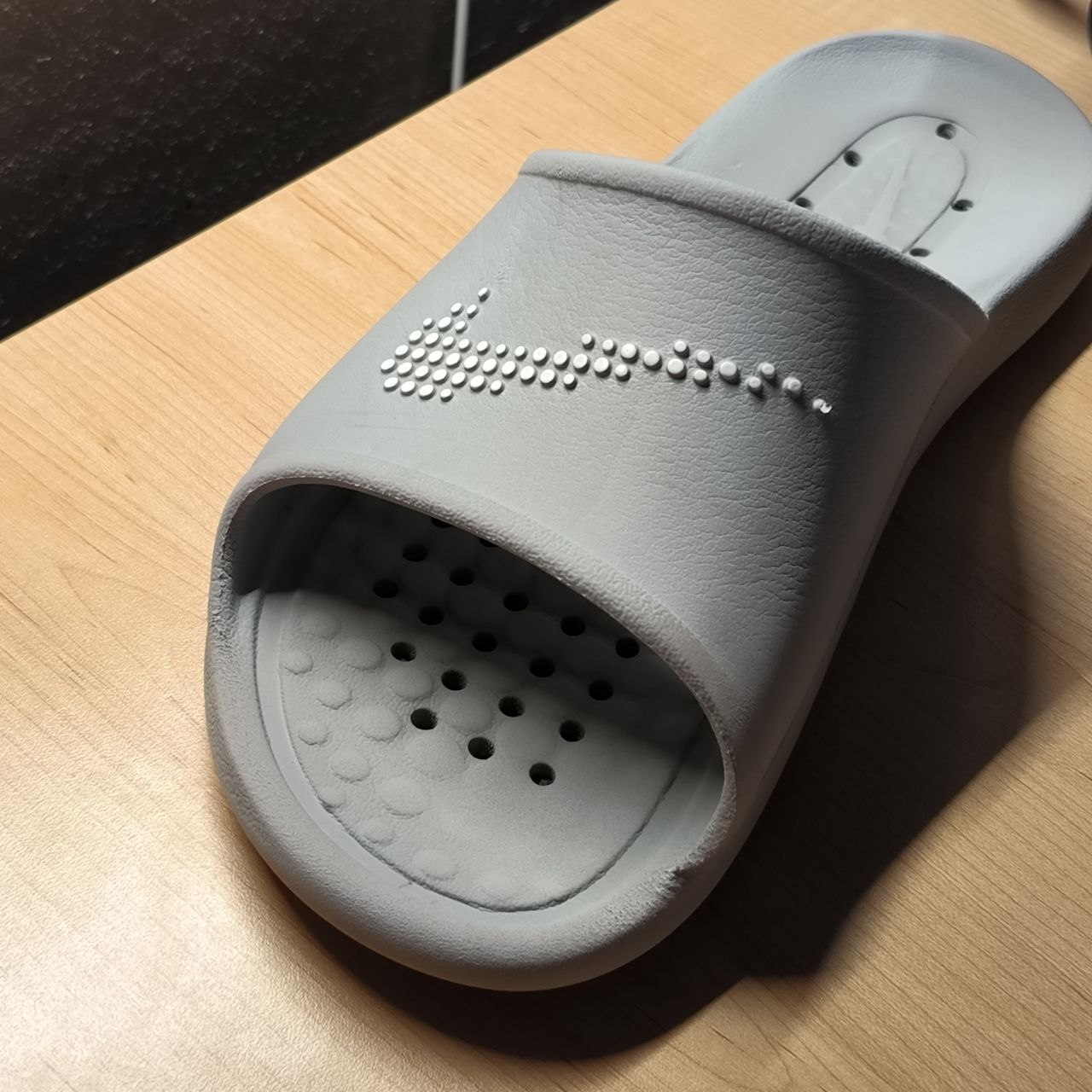
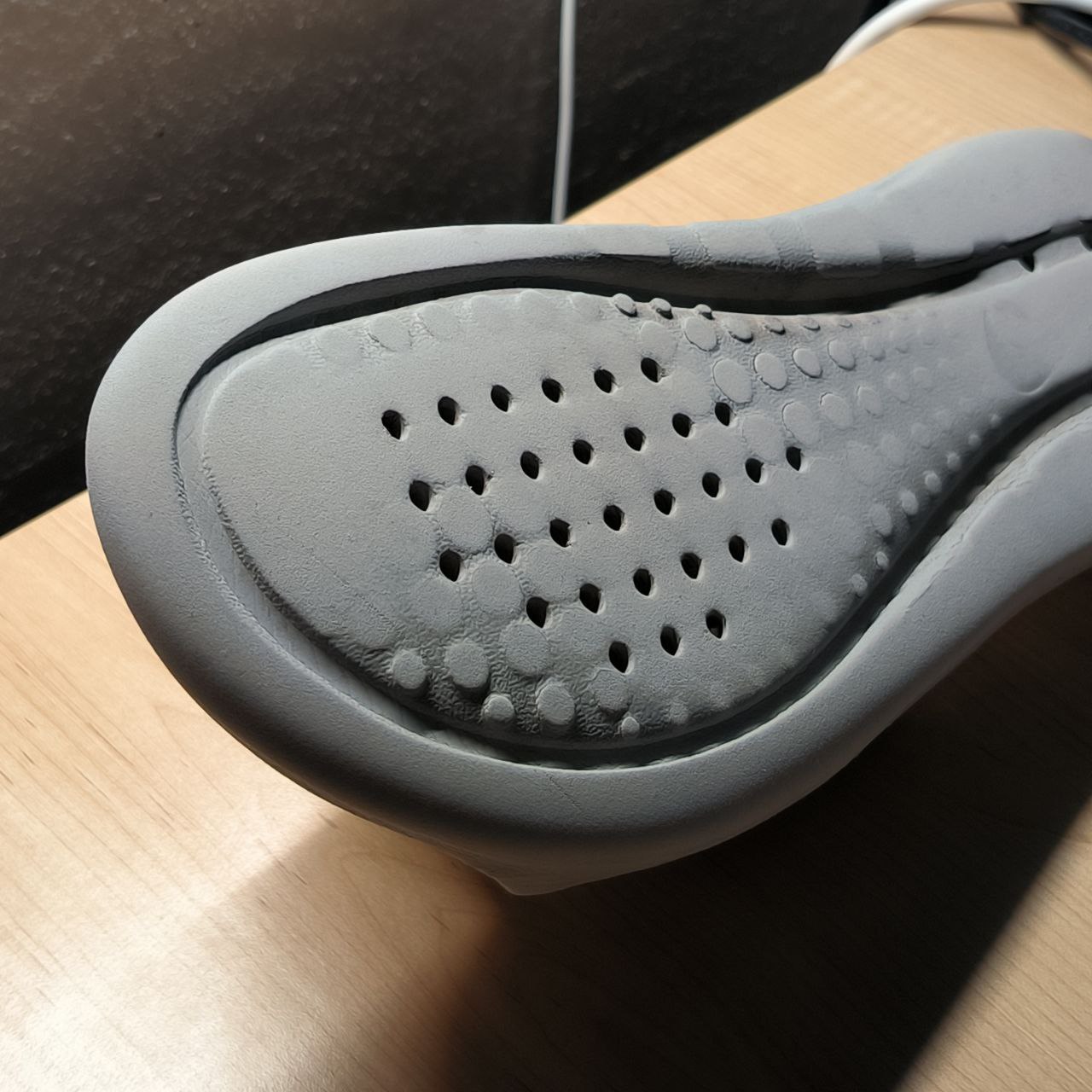
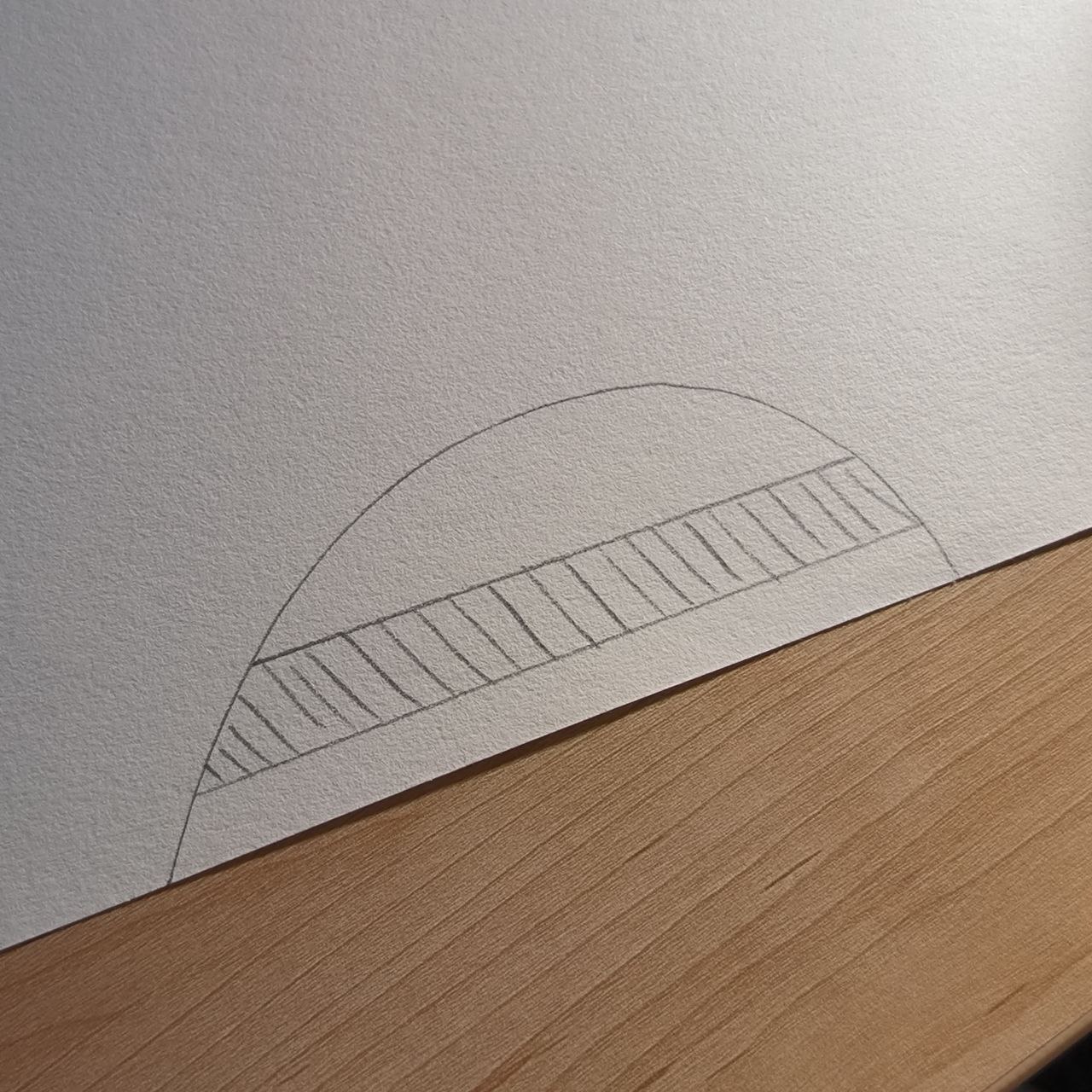
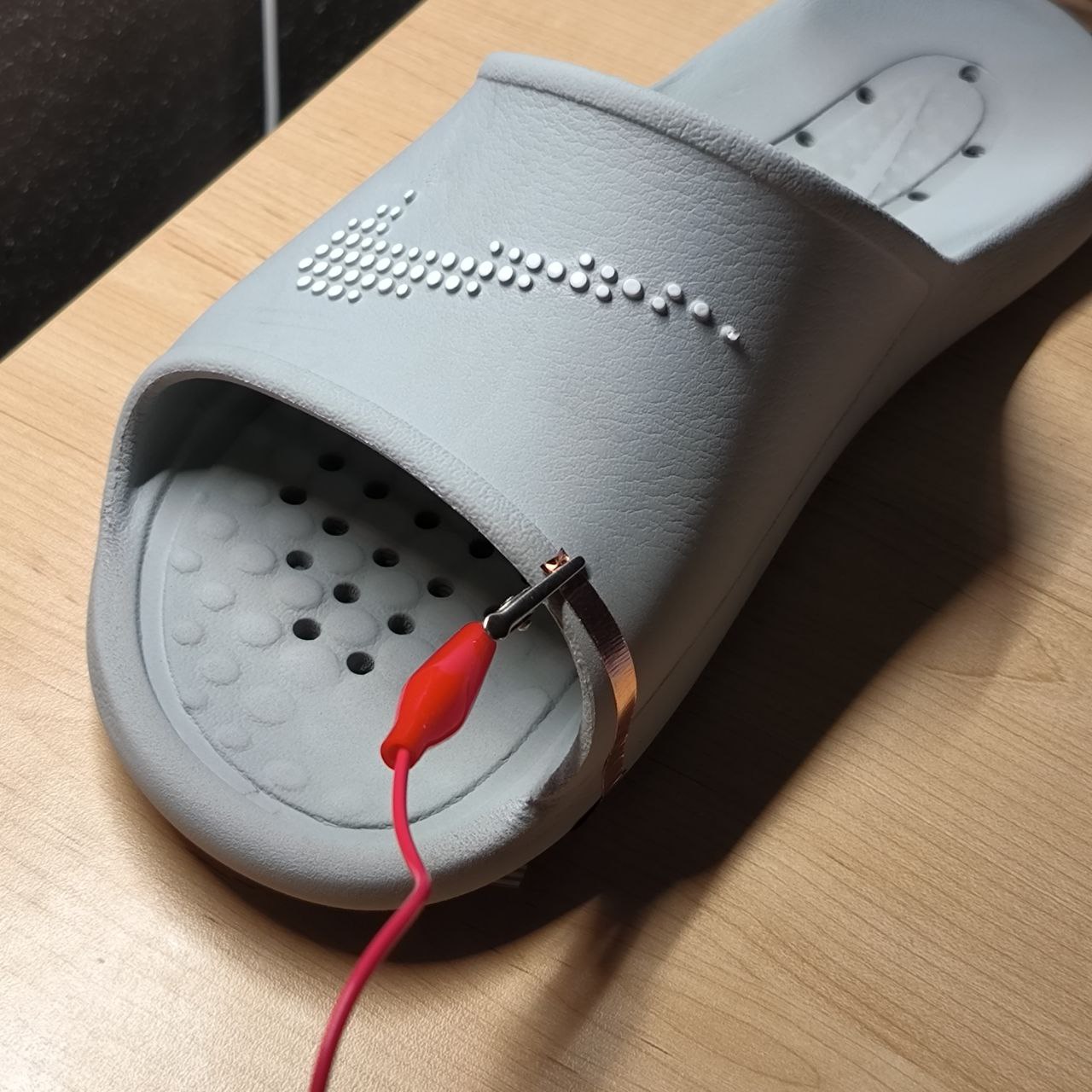
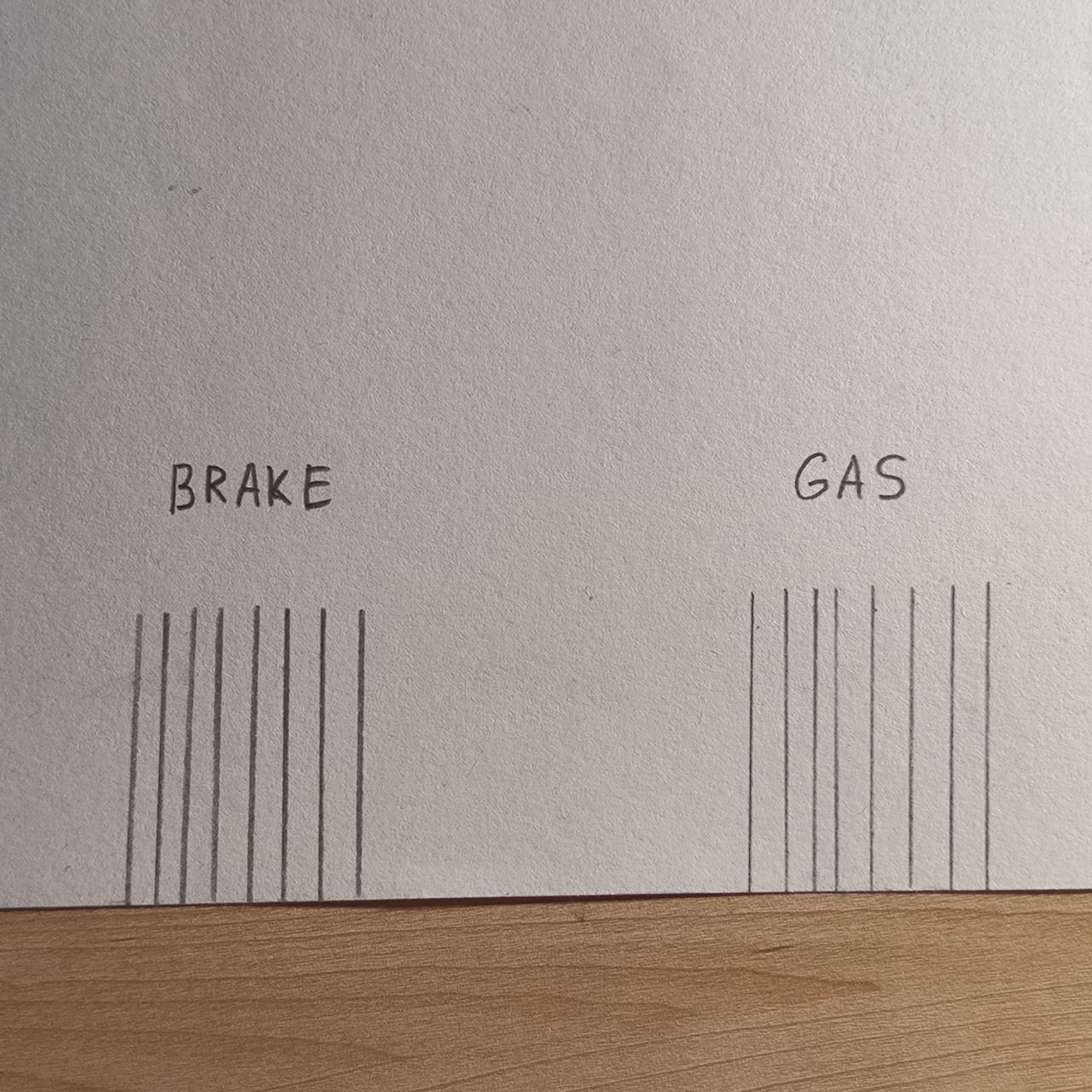
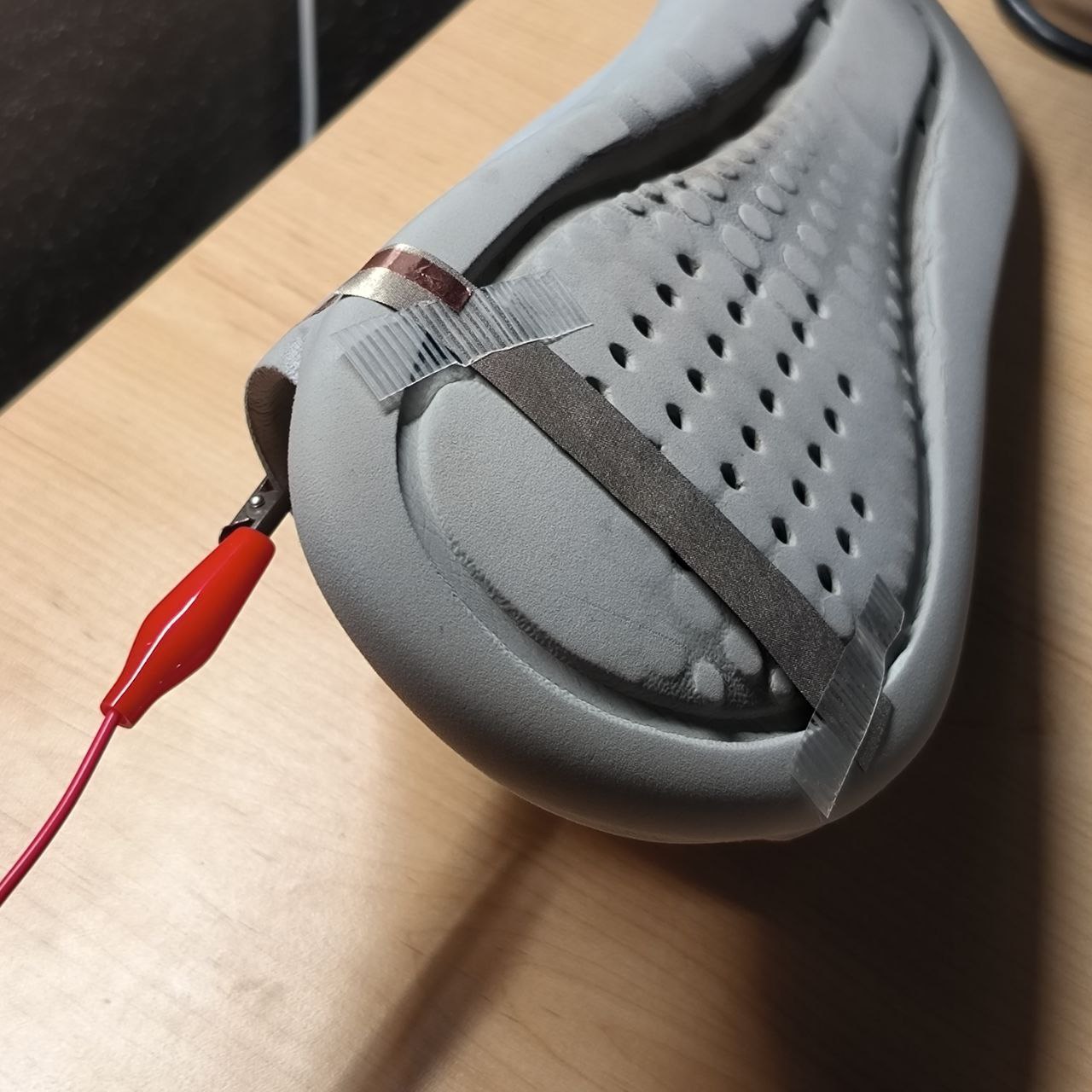
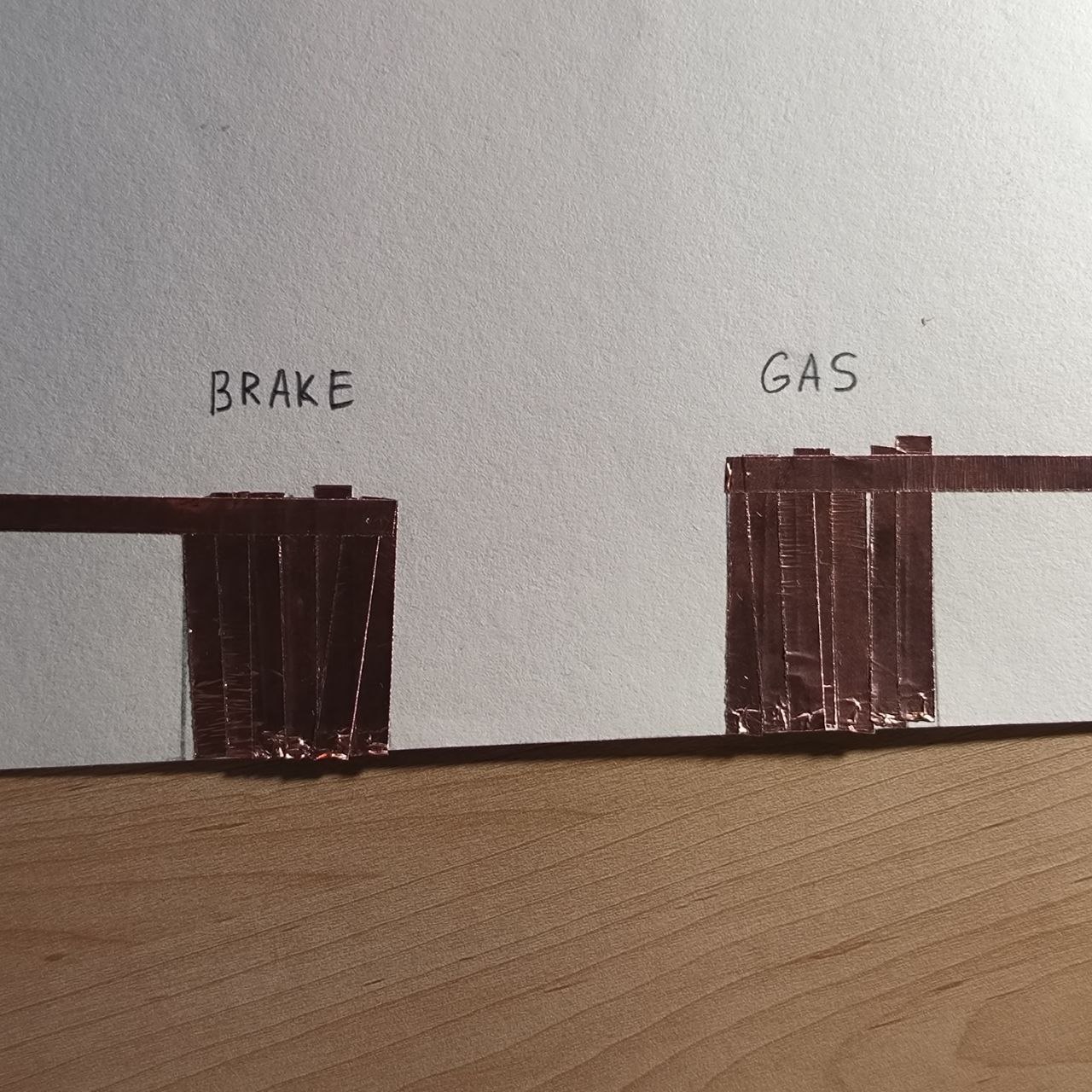
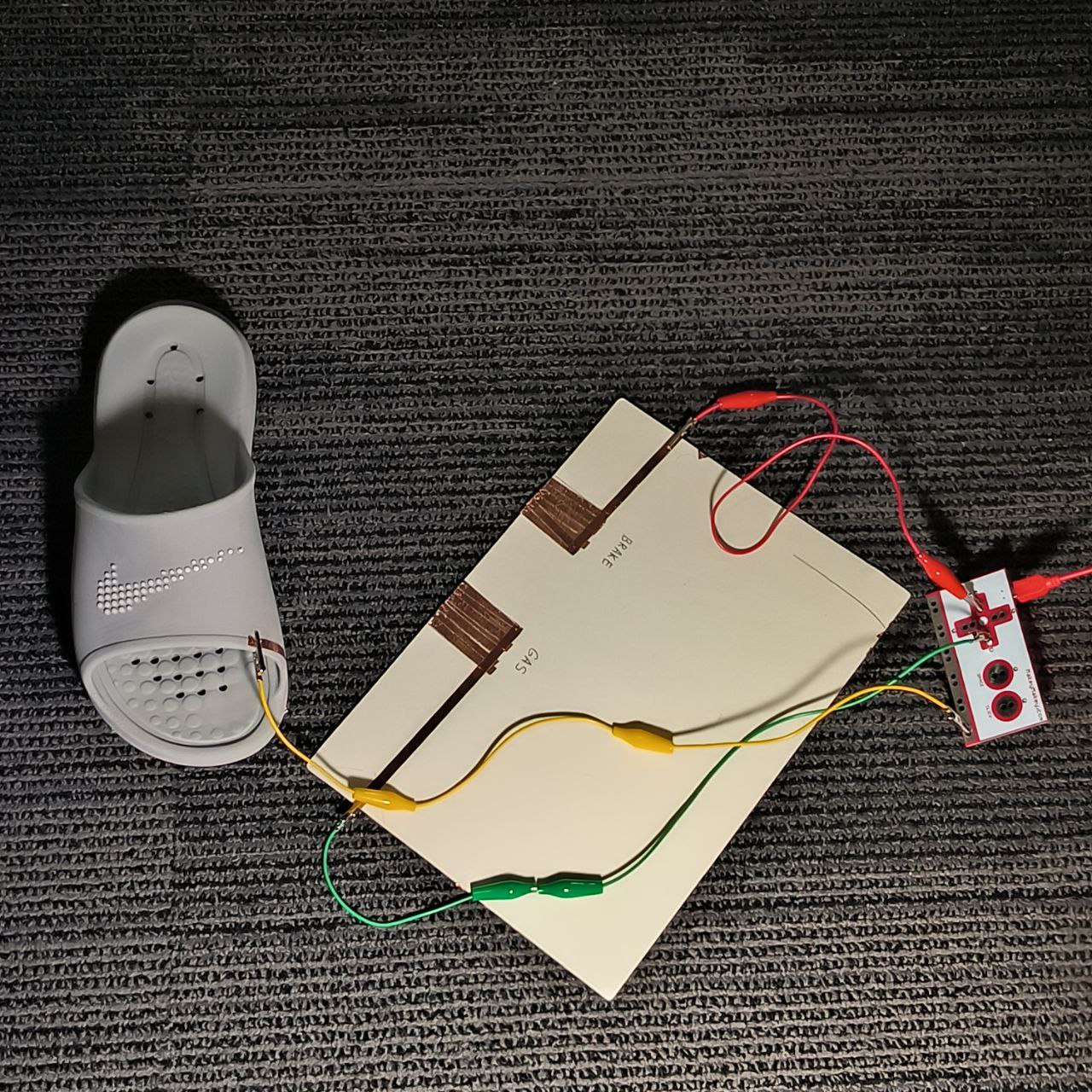
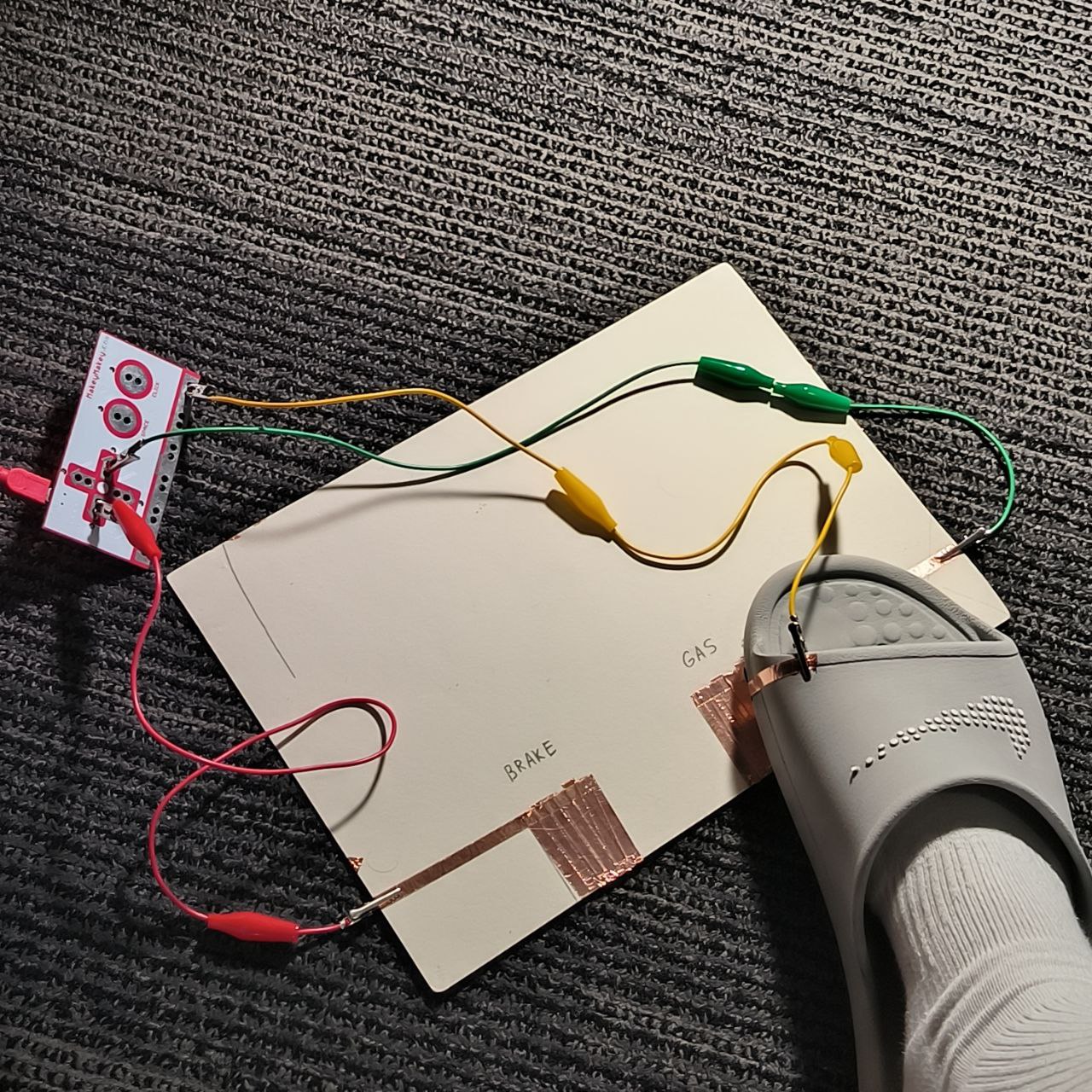
      Alligator clips are securely connected to the copper strips. These serve as bridges between the handmade paper interface and the Makey Makey board, allowing touch to trigger signals. Each wire from the paper circuit is connected to the appropriate input on the Makey Makey board. The setup is now electrically complete and ready for user interaction—each touch will register as a key press. A black glove is shown—this suggests you may have been testing conductivity or planning to embed copper into the glove fingers. It reflects an experiment toward creating a wearable controller or touch-sensitive glove. A conductive wire is sewn or taped onto the tip of a glove finger, creating a wearable key. This setup allows the user to interact with copper tape on a paper interface without bare skin contact—an important step toward building a wearable controller. A new set of labeled copper tape strips (↑ ↓ ← → space) is cleanly arranged on a sheet of paper, forming the digital input area. These are mapped to keyboard keys, just like before, but now ready for gloved touch. Alligator clips are attached to each copper strip, each corresponding to a unique keyboard command. These clips run back to the Makey Makey board, enabling functional input via the glove. The modified glove touches the space copper strip. Because the glove is wired for conductivity, this contact sends an input signal—demonstrating that the glove-controller is working. The glove moves over the interface, showing real-time navigation across inputs. This demonstrates a successful, wearable interaction system where a user controls input with natural hand gestures. The first image shows a spool of conductive thread. This special material allows electricity to flow through fabric or soft materials, enabling the creation of soft circuits. It’s commonly used in wearable technology for its flexibility. A simple Nike slipper is introduced as a potential base for embedding interactivity. It becomes the object of experimentation—turning an everyday item into a functional input surface. A close-up of the slippers insole reveals its texture and grip points—these details can help with placing sensors or conductive zones without interfering with comfort or use. You begin sketching a conceptual sensor zone for the slipper, perhaps simulating foot pressure or position. The shaded area could represent where the conductive thread or foil will be placed for sensing. A clip connects an alligator wire to the side of the slipper, suggesting the start of testing conductivity or creating a touchpoint. This is the first step in transforming the slipper into an interactive controller—potentially usable with a system like Makey Makey. The first image shows a hand-drawn diagram on paper, labeling two control zones: “BRAKE” and “GAS.” This outlines the idea of using foot interaction to simulate pedal inputs—an innovative twist on controller design. Copper tape is attached to the underside of the slipper and connected with an alligator clip. This transforms the slipper into an interactive input device, acting as a physical interface for the pedal areas defined earlier. Copper tape is now fully applied to the paper to form the two distinct conductive pads for “BRAKE” and “GAS.” These will detect pressure or contact when the slipper touches them, functioning as digital foot pedals. In this wide shot, the full Makey Makey circuit is connected: wires link the slipper to the copper zones and back into the board. The slipper is positioned nearby but not yet activating anything—ready to interact. Finally, the slipper makes contact with one of the copper zones, likely sending an input signal to the Makey Makey. The setup simulates a foot-controlled interface, like pressing gas or brake in a game or sound-based sketch.

Project 3


Final Project 3 Design

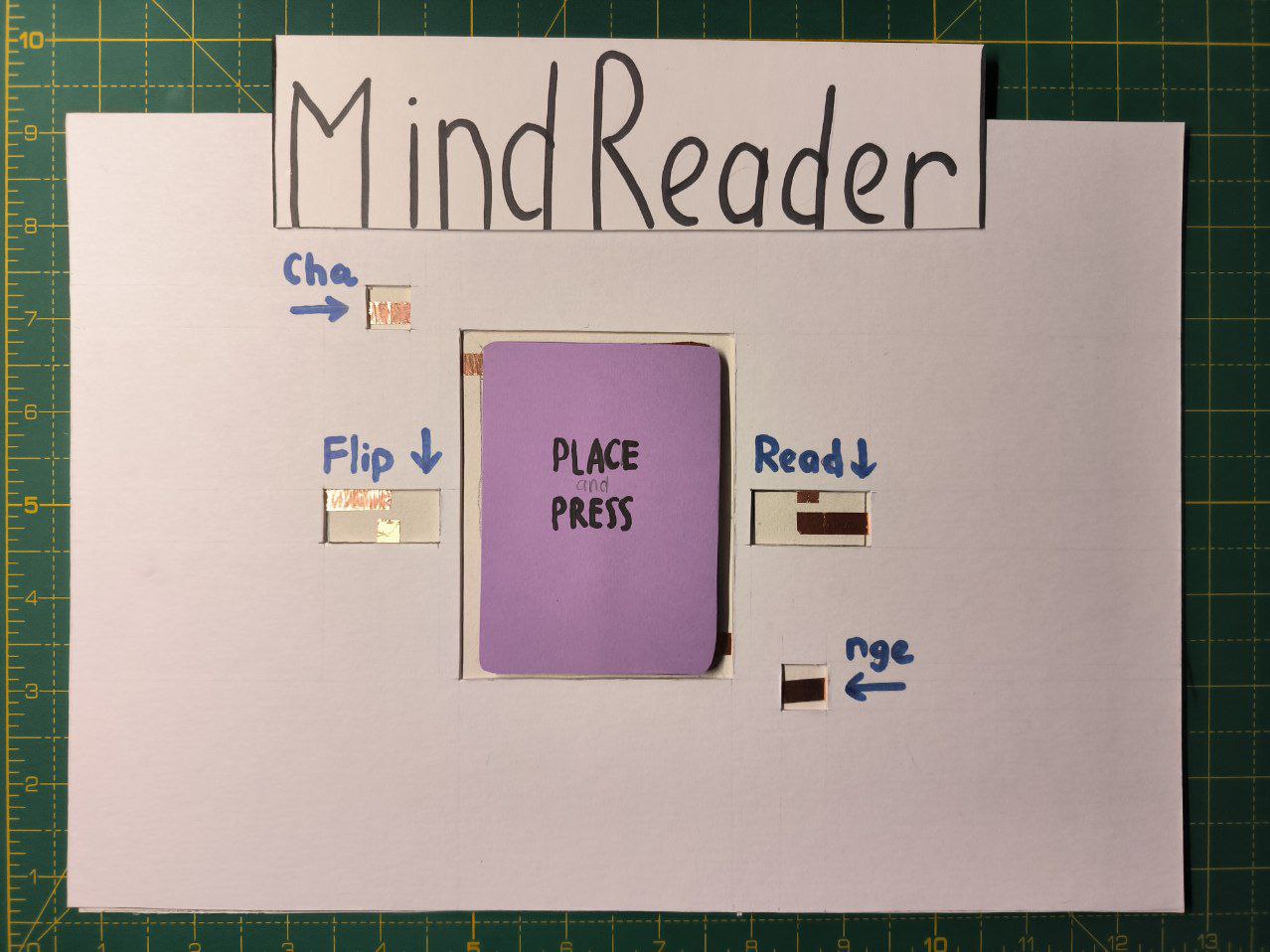
This is my Final Design called: "The Digital Mind Reader"
test2Lorem ipsum dolor sit amet, consectetur adipiscing elit
×

Powered by w3.css